How to Make a Coloring Book with AI (Step-by-Step, 2026)
From one-line idea to a print-ready PDF: which AI tools produce clean line art, how to keep a consistent style across 40 pages, and the artifacts to check before publishing.
Until recently, the biggest barrier to publishing a coloring book was the art: 40–50 custom illustrations meant weeks of drawing or hundreds of dollars for an illustrator. AI removed that barrier — but it introduced new failure modes: inconsistent styles, broken lines, gray smudges that print badly, and marketplace rules about disclosure. This guide covers the full workflow, both the DIY route and the specialized-tool route, plus the quality checklist that separates sellable books from obvious AI spam.
First, the Rules: AI Content on KDP
Amazon's content policy distinguishes AI-generated (the tool created the image; you prompted, selected, and edited) from AI-assisted (you created it; the tool helped refine). During publishing setup, KDP asks which applies. Answer honestly — disclosure doesn't block publication or hide your listing, and misrepresenting it risks your account.
Beyond disclosure, the responsibilities that actually matter:
- No trademarked characters. Prompting "Elsa" or "Pikachu" produces infringing art that can end your KDP account. Original subjects only.
- Quality bar. Amazon removes books with garbled, low-effort content — malformed hands, nonsense text, unfinishable pages. The checklist below exists for this.
Route 1: General AI Tools (Midjourney, DALL·E, ChatGPT)
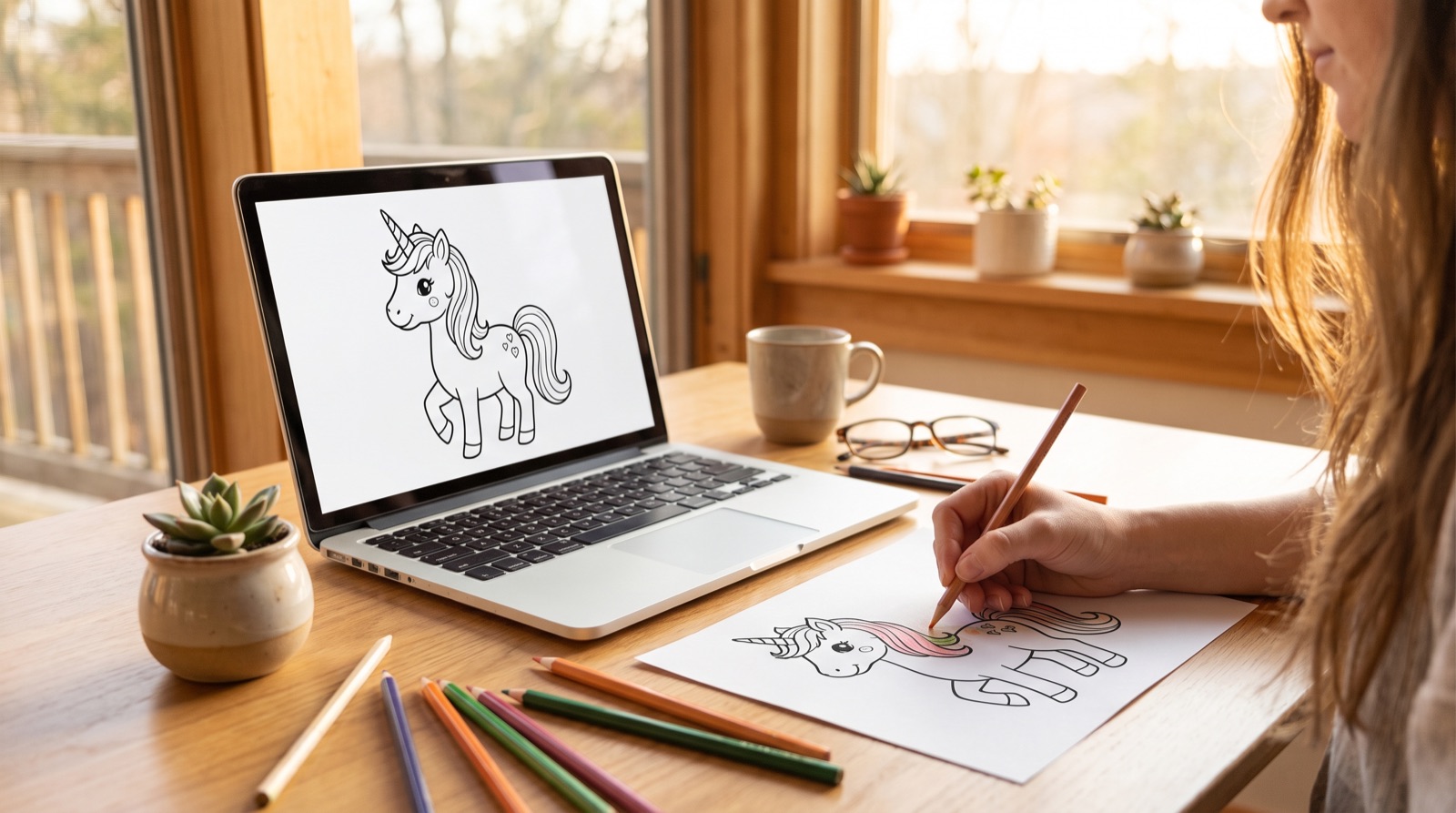
Any strong image model can produce a decent single coloring page. The prompt formula that works across tools:
coloring book page, [subject], thick clean black outlines, no shading, no gray, no color fill, white background, simple shapes for kids ages 4–8, full page composition
Tips per tool:
- Midjourney: add
--no shading, gradients, grayand generate at high stylize values sparingly — stylization fights the clean-line requirement. - ChatGPT / DALL·E: good at composition and following "no gray" but drifts in style between generations; regenerate with the previous image referenced.
Where DIY gets expensive in time:
- Consistency. Page 3 and page 27 will drift in line weight, character proportions, and detail density unless you re-prompt and cherry-pick aggressively. Budget 3–5 generations per accepted page.
- Resolution. Most tools output ~1024–2048 px; 8.5×11″ print wants 2550×3300. You'll upscale everything, then inspect for blur.
- Layout is still on you. Images aren't a book — you still need margins, single-sided page order, title/copyright pages, and a wraparound cover PDF sized to your exact page count (see the formatting spec sheet).
Route 2: A Purpose-Built Generator
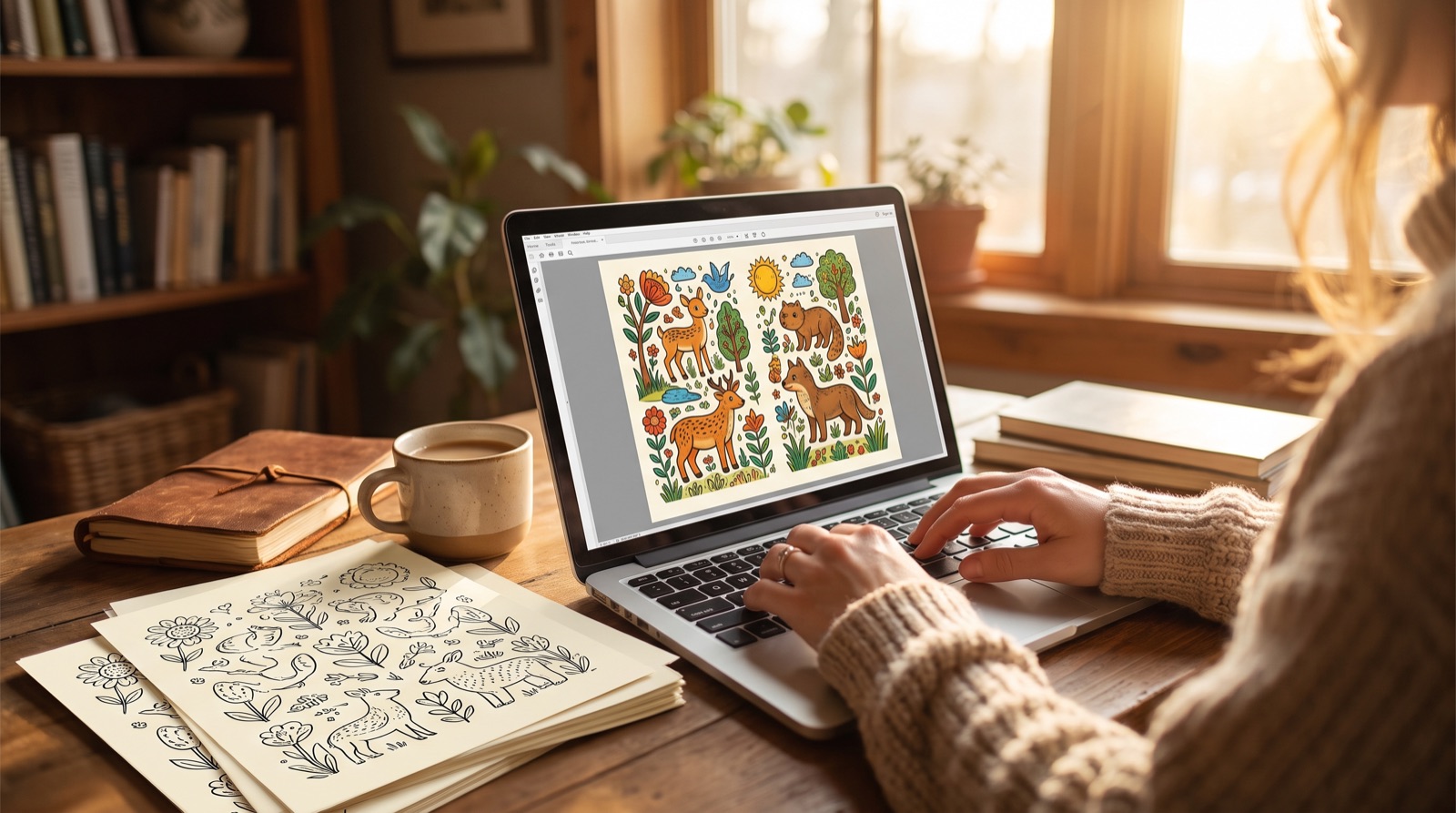
Specialized tools exist because the hard part isn't one pretty image — it's forty matched ones plus print production. Here's the pipeline in Coloring Books Maker, which is representative of the category done right:
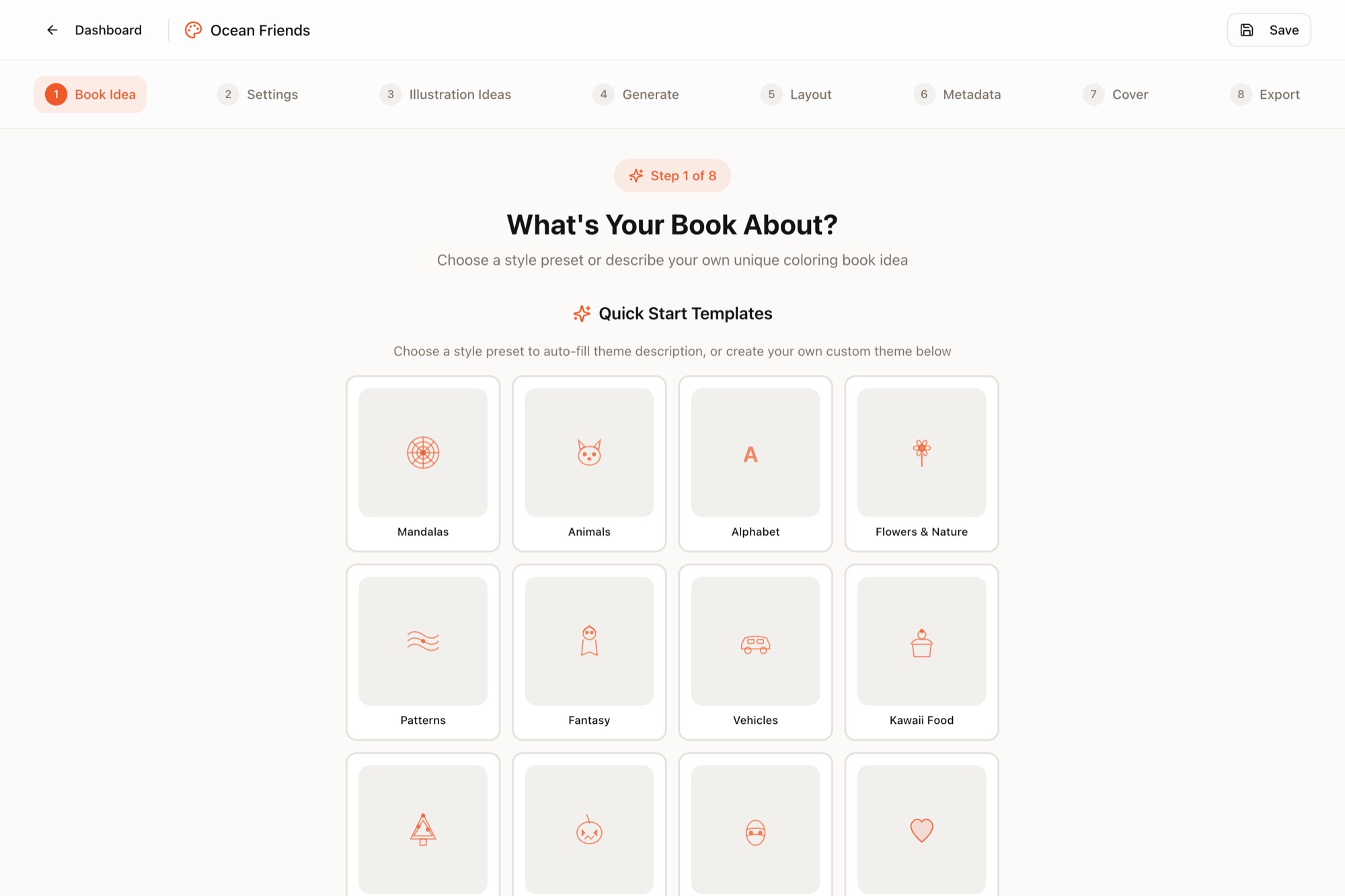
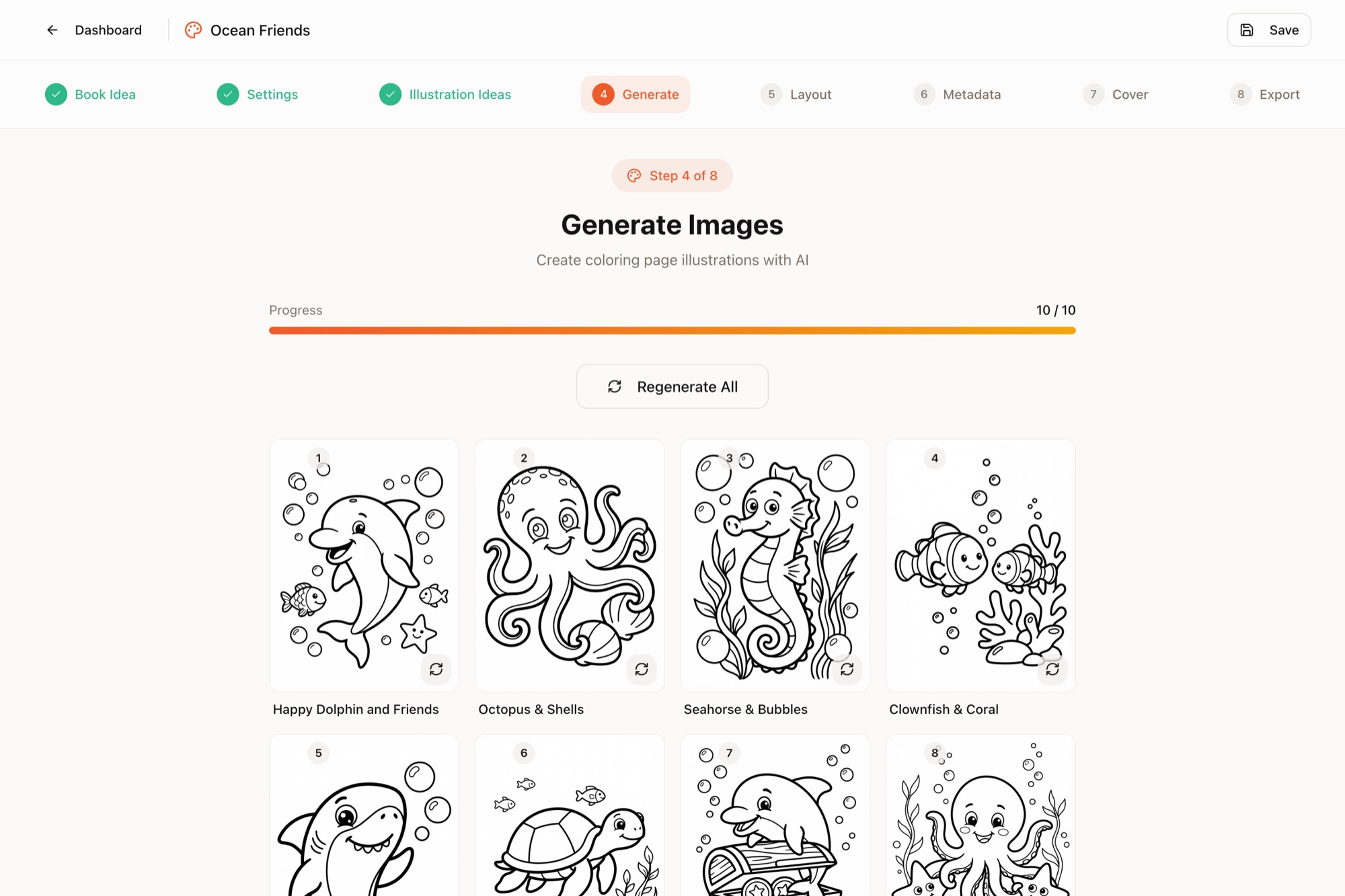
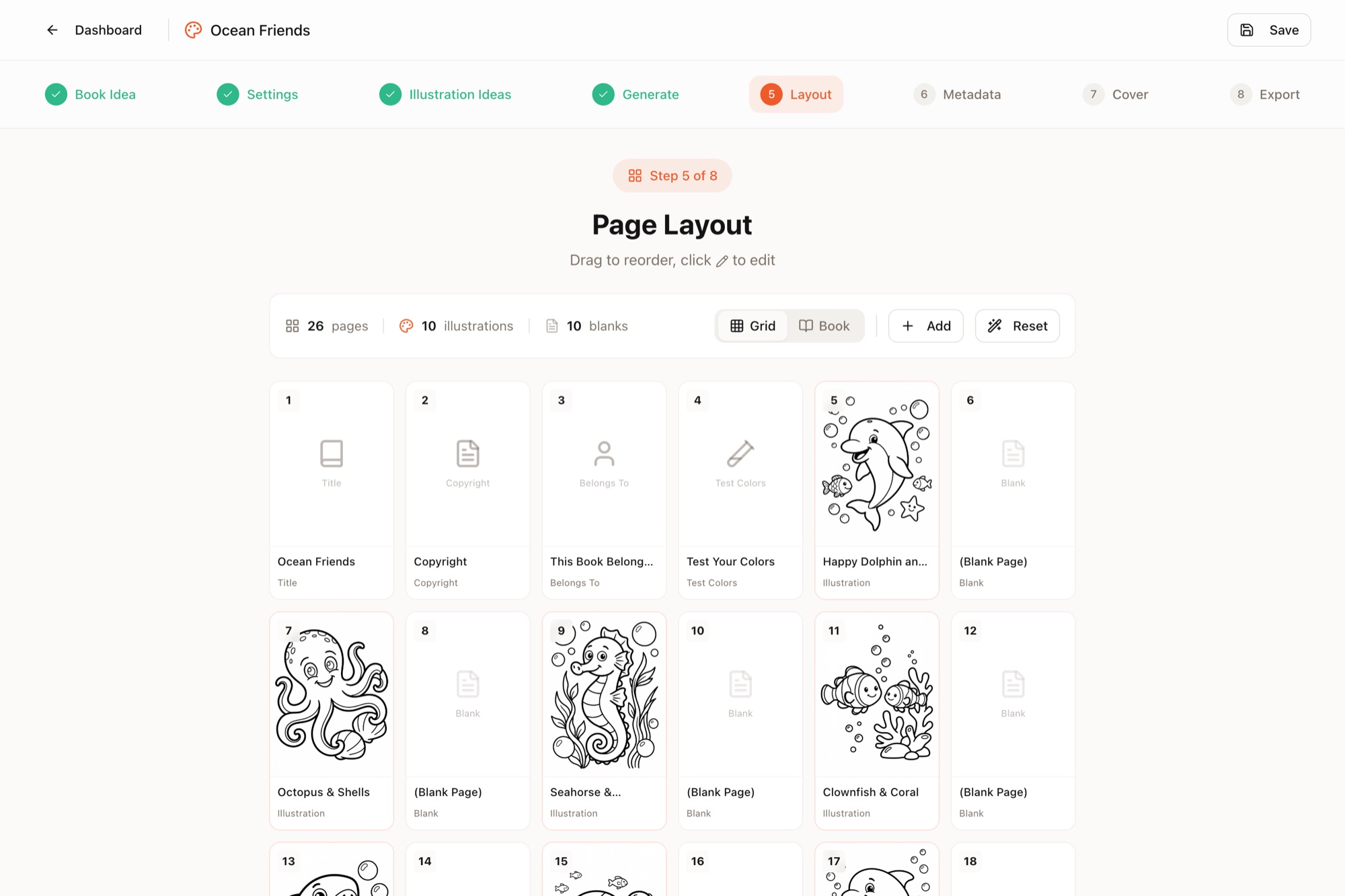
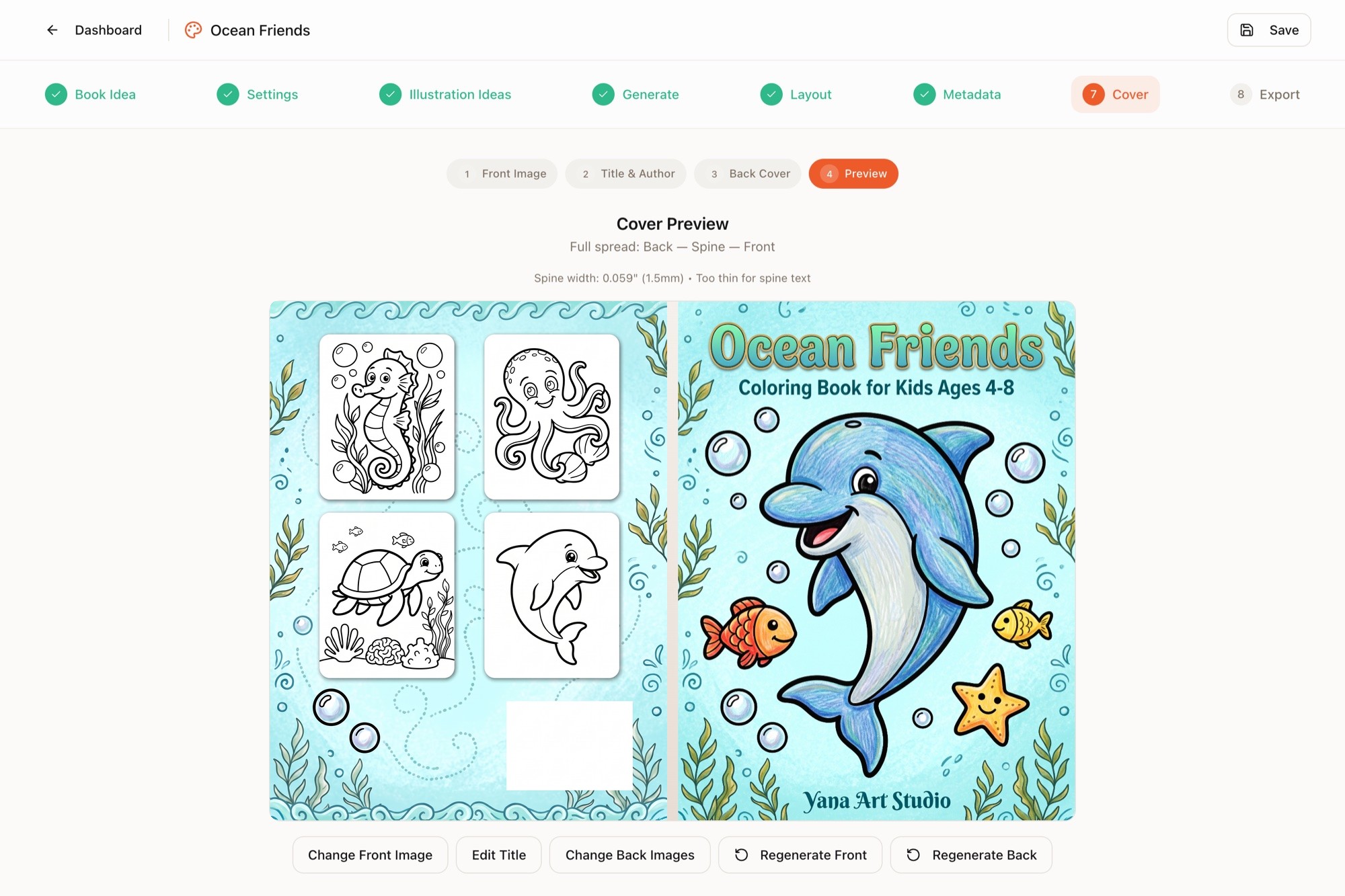
Export produces the two PDFs KDP asks for — 300-DPI interior and wraparound cover. From one-line idea to upload-ready files is genuinely under an hour, and 10 starter credits are free, so the trial costs nothing but curiosity.
The 6-Point Quality Check (Do This Before Publishing)
Whichever route you take, inspect every page at 100% zoom:
- Closed shapes. Outlines must connect — gaps frustrate anyone coloring digitally (flood fill leaks) and read as sloppy in print.
- Uniform line weight. A page mixing hairlines with thick marker strokes looks broken. Across the book, weights should match the target age (thick for little kids, fine for adults).
- Zero gray. No shading, gradients, or halftones — gray prints as muddy dots and signals "AI slop" instantly. Pure black on white only.
- Colorable regions. Every enclosed area should fit at least a pencil tip. Microscopic gaps between doubled lines are the classic AI artifact.
- Anatomy and object logic. Count fingers, legs, wheels. Check that overlapping objects occlude sensibly. One melted paw in a preview kills trust in the whole book.
- Style coherence. Flip through all pages fast — they should read as one illustrator's work, not a group project.
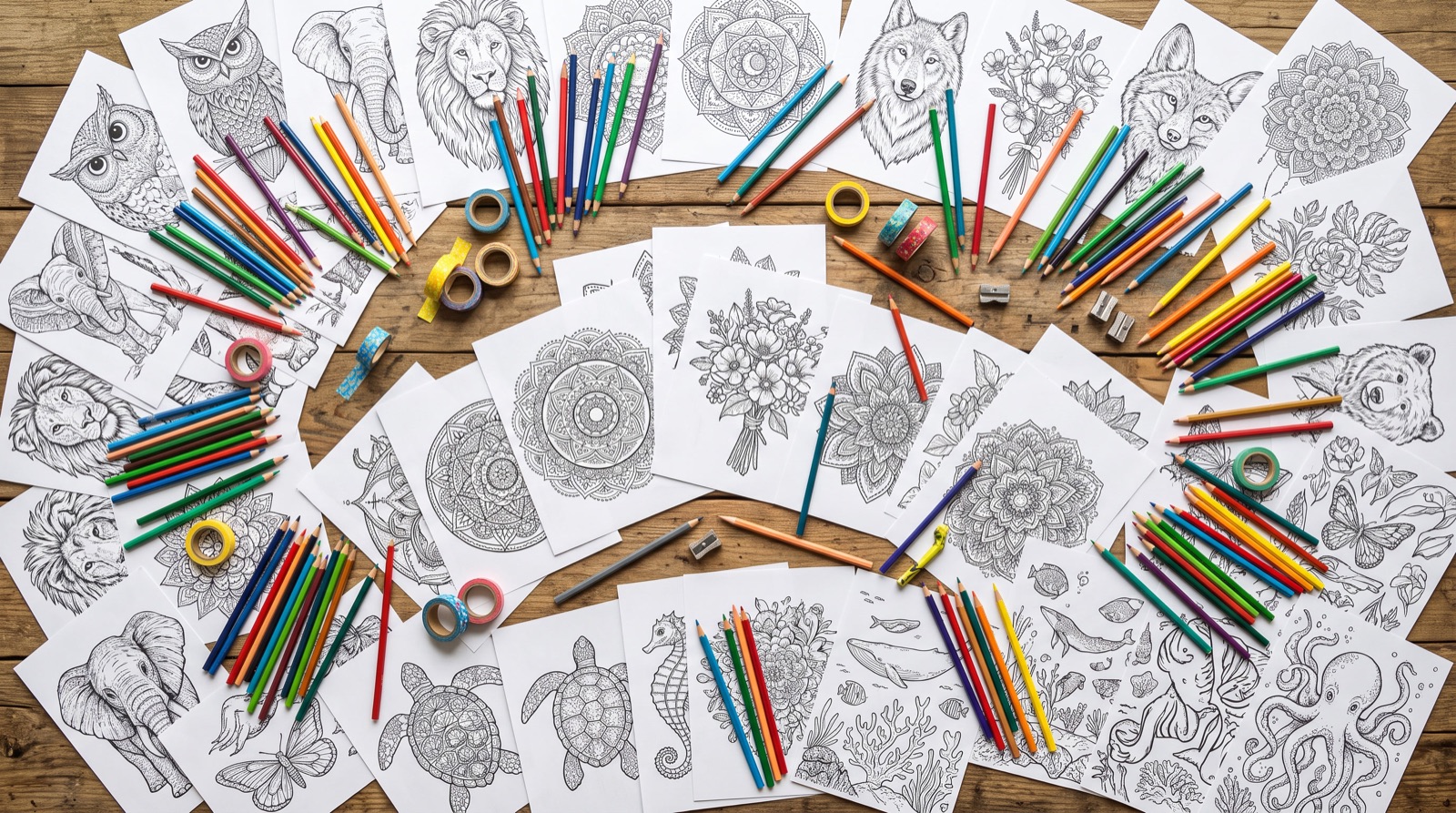
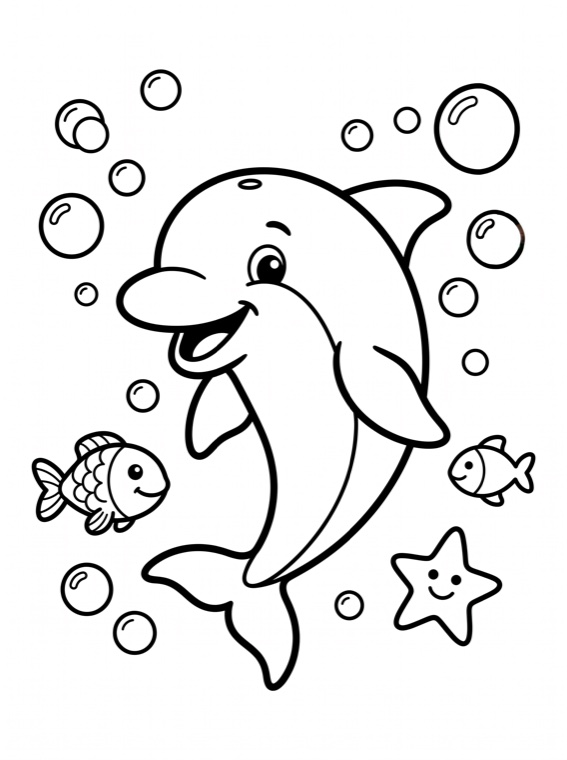
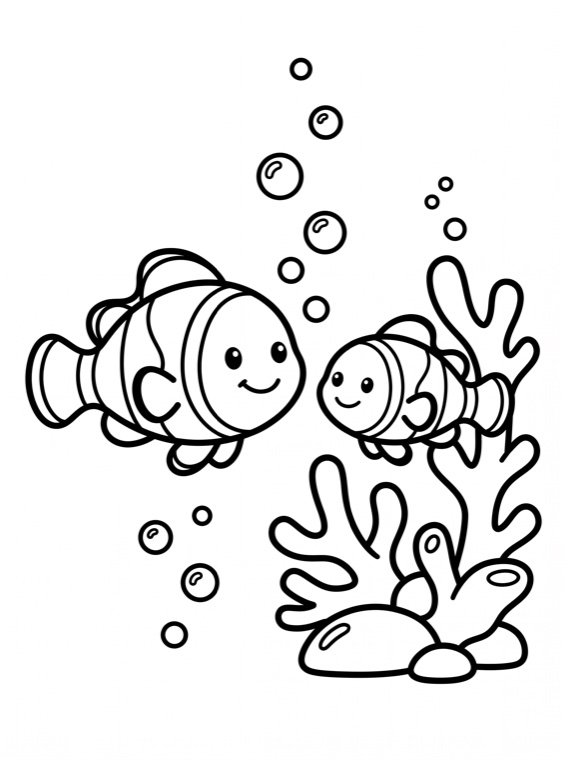
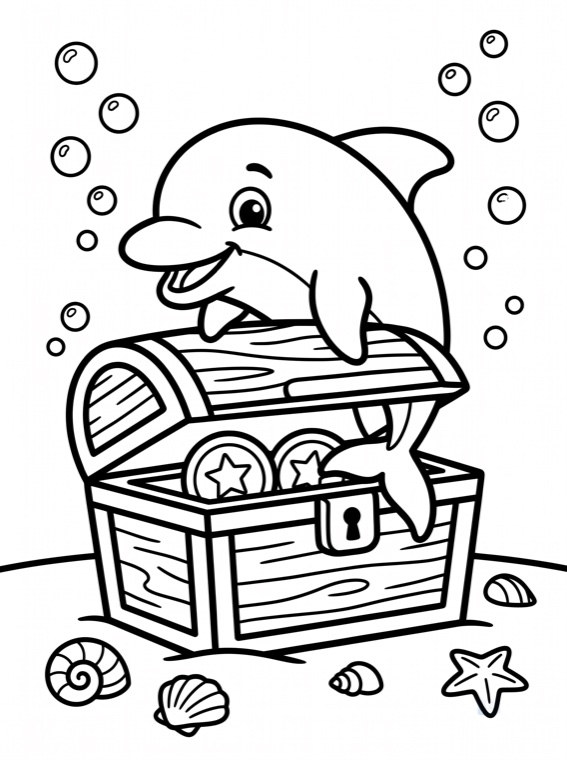
What clean, consistent AI line art looks like across a set:
Print Prep Essentials
- 300 DPI at final size — 2550×3300 px for 8.5×11″. Upscale before layout, never after.
- Single-sided layout: art on the front of each sheet, blank (or "test your colors") backs, so markers can't bleed into the next design.
- Standard front matter: title page, copyright page, optionally a "this book belongs to" page — small touches that read as professional.
- Pricing sanity: before setting a price, run the numbers in KDP royalties explained — an 80-page book at $9.99 nets about $3.15/copy.
Frequently Asked Questions
Can I legally sell AI-generated coloring books on Amazon KDP?
Yes. KDP allows AI-generated content, but you must disclose it: during publishing setup Amazon asks whether your book contains AI-generated text, images, or translations, and you answer accordingly. You remain responsible for content quality and for making sure the images don't infringe existing works.
What's the best AI tool for coloring book line art?
General image models (Midjourney, DALL·E, ChatGPT) can produce single decent pages but struggle with consistent style across 40+ pages, clean closed outlines, and true 300-DPI print output. Purpose-built tools like Coloring Books Maker generate a full matched set of pages, keep line weight consistent for your target age group, and export print-ready PDFs directly.
What resolution do AI images need for KDP printing?
300 DPI at final trim size. For an 8.5×11-inch page that means at least 2550×3300 pixels. Lower-resolution AI output must be upscaled — and you should zoom to 100% afterwards to confirm lines stayed crisp and didn't develop blur or artifacts.
How long does it take to make a coloring book with AI?
With a specialized generator, under an hour from idea to print-ready interior and cover PDFs. Assembling the same book manually from general-purpose AI images typically takes 1–3 days once you include prompt iteration, cleanup, upscaling, and layout.