
Publish a
Coloring Book
This Weekend
This AI coloring book maker generates illustrations, interior layouts, covers, and listing copy — all formatted to the specs used by major print-on-demand marketplaces. A self-publishing tool built for kids' books (ages 3–12) and adult relaxation coloring.
No credit card required · Print-ready PDF export · Cancel anytime
From idea to print-ready file
Standard coloring book length
Print-quality output
Design skills required
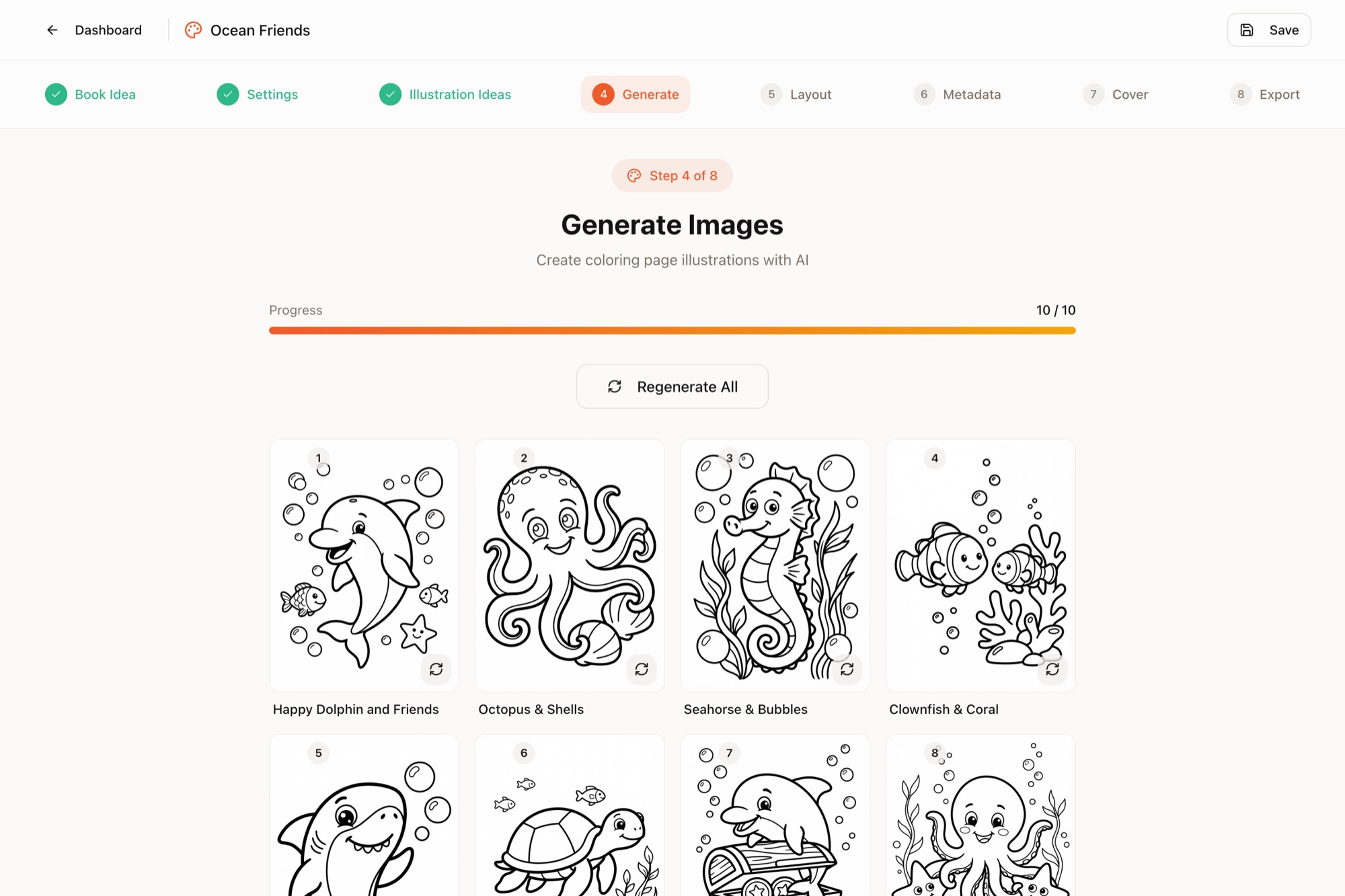
Everything You Need to
Create Coloring Books with AI
Eight tools, one workflow. From AI line art generation to a print-ready coloring book — this coloring book creator for self-publishers handles the parts that usually take days.
AI Idea Generator
Describe an audience or a vibe and get a list of book themes, title options, and chapter structures. Move from blank page to outline in minutes.
Age-Targeted Illustration Style
Choose your reader: toddlers (3–5), early readers (6–8), tweens (9–12), or adult relaxation. The AI adjusts line weight, complexity, and detail density to match.
Bulk Coloring Page Generator
Generate 30, 40, or 50 AI line art illustrations in a single batch with a consistent visual style across the whole book. No more mismatched pages.
Seasonal & Themed Collections
Pre-built theme libraries for holidays, animals, fantasy, mandalas, vehicles, nature, and more. Optimized for the most popular book categories.
Professional Interior Layout
Automatic page composition with correct margins, bleed, and gutter — following industry best practices for print-on-demand book interiors.
Coloring Book Cover Maker
Front, spine, and back cover generated as a single wraparound file. Spine width auto-calculates from your page count and paper type.
Listing Copy Helper
Drafts a title, subtitle, description, and keyword suggestions following SEO best practices for independent publishing platforms.
One-Click Export
Download a print-ready PDF interior and a separate cover PDF. Files are formatted to the technical specs accepted by major print-on-demand marketplaces.
Print resolution
Popular trim size (plus 3 others)
Print-ready export at 300 DPI
Revisions on every page
"Ocean Friends": a finished book in one sitting
From a one-paragraph idea to a print-ready manuscript and wraparound cover. Nothing below was touched by an external editor.
"Cute underwater sea creatures — dolphins, sea turtles, octopuses, seahorses and friendly sharks exploring coral reefs… friendly cartoon style with bold clean outlines, ages 4–8."
- 1PromptOne paragraph describing cute sea creatures for ages 4–8
- 210 illustration ideasAI titles + scene descriptions, editable
- 310 images generatedConsistent style, 2K resolution, one click
- 426-page layoutTitle, copyright, test page & blanks auto-added
- 5Front + back coverSame dolphin, colorized, matching back design
- 6Print-ready PDFsManuscript + full cover spread with spine
All 10 interior pages, exactly as generated:
More real books, same workflow — different audience, format and line style
Four trim sizes, drawn to scale
Pick the page shape before you generate — the illustrations, layout and cover spread are all built to match it.
supported
See What You Can
Create
Real examples of coloring books created with Coloring Books Maker
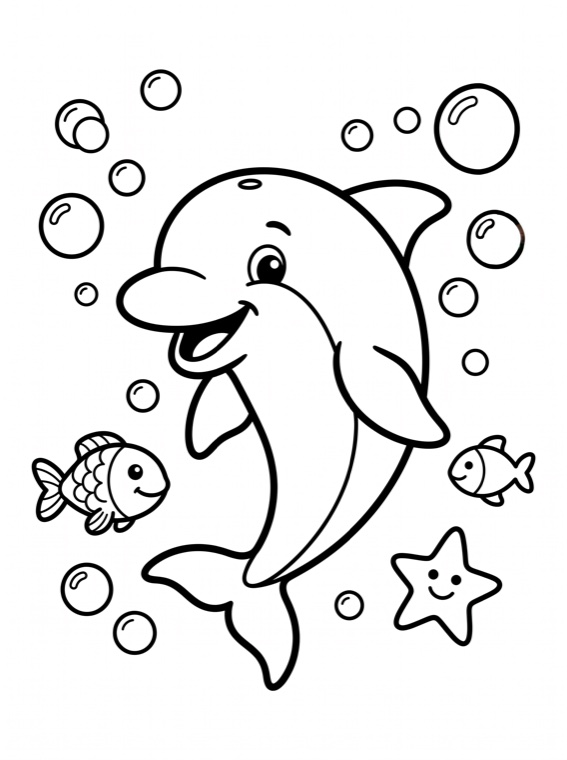
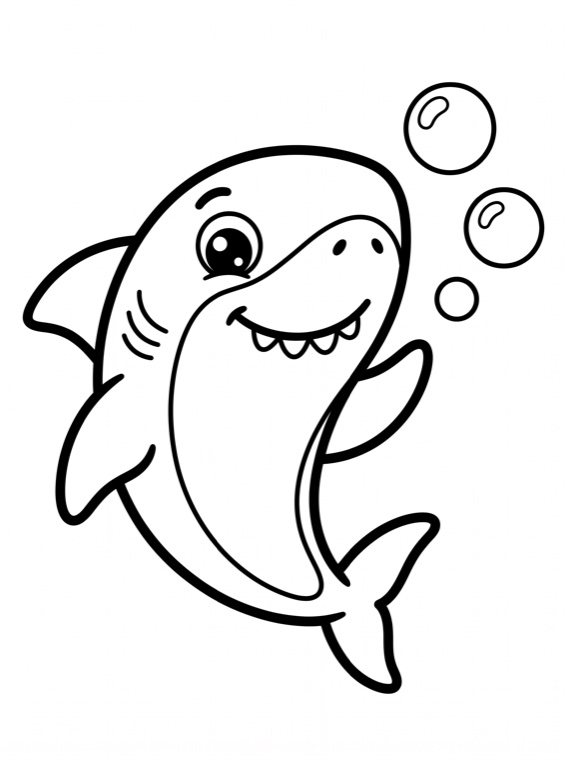
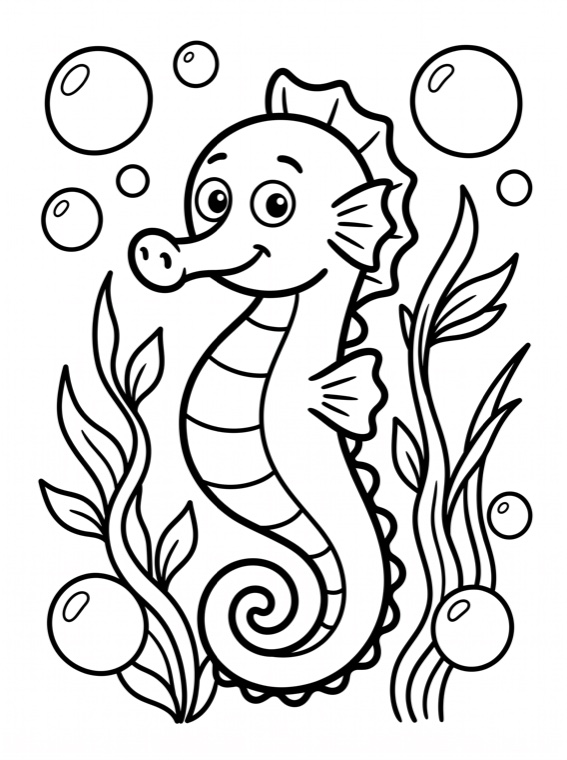
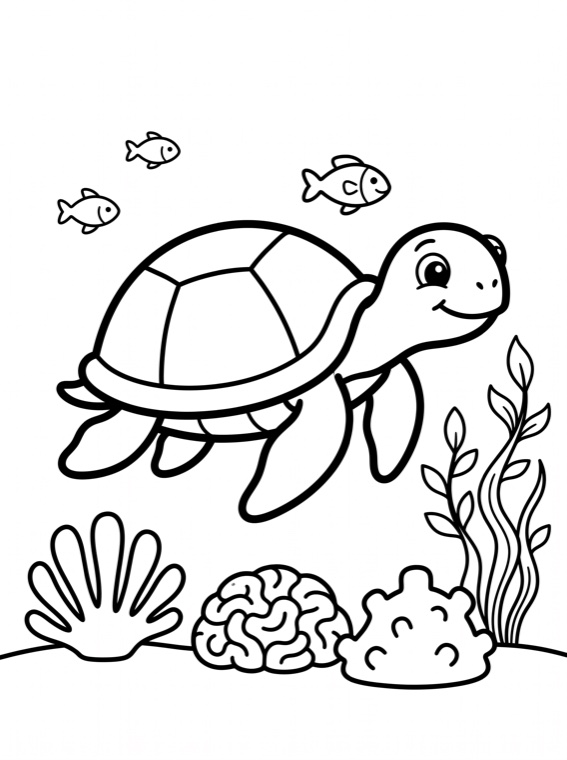
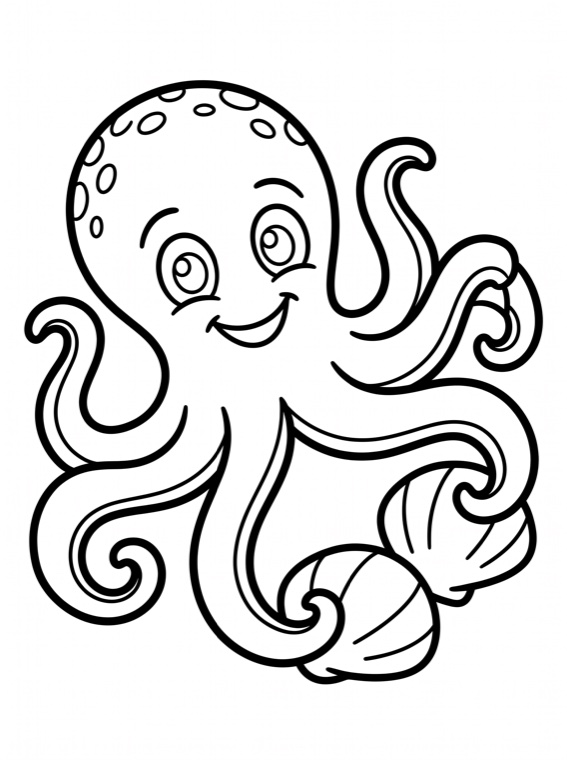
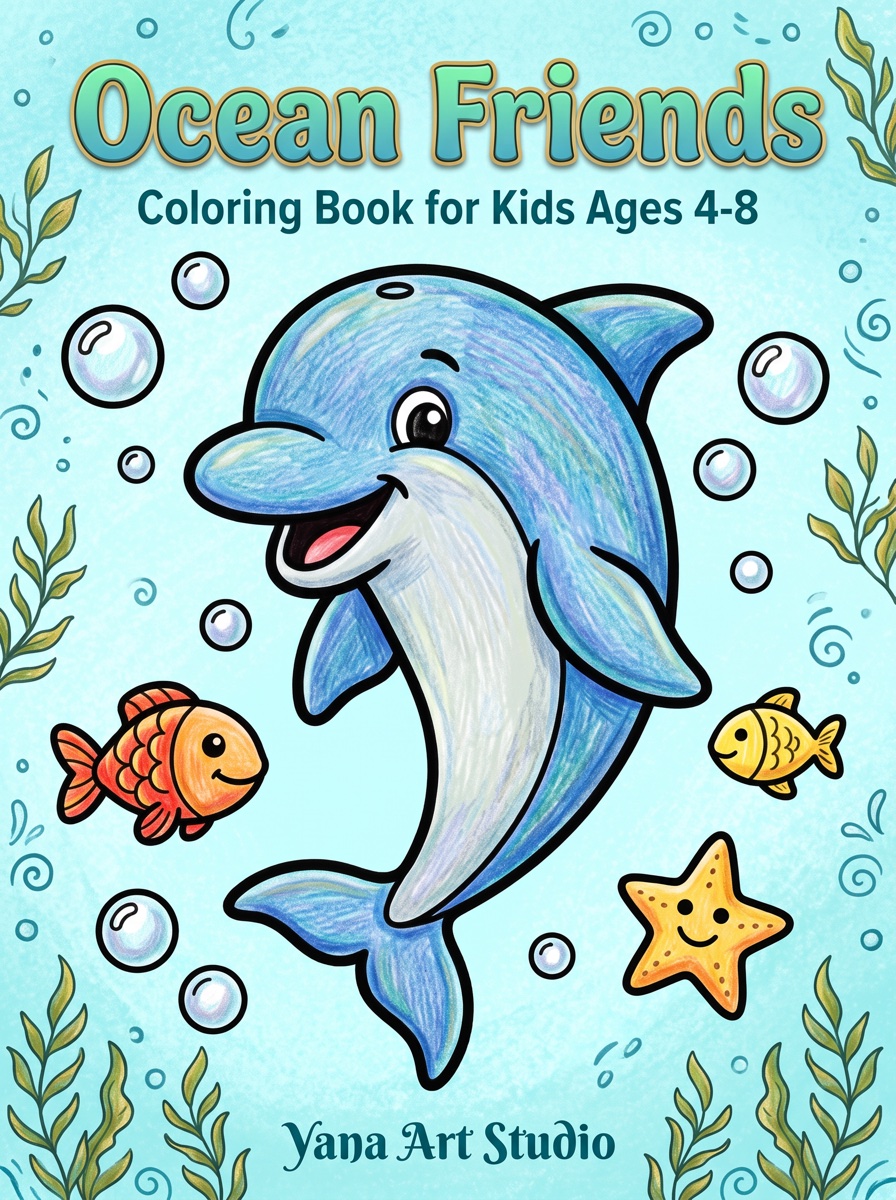
Ocean Friends
Sea Animals
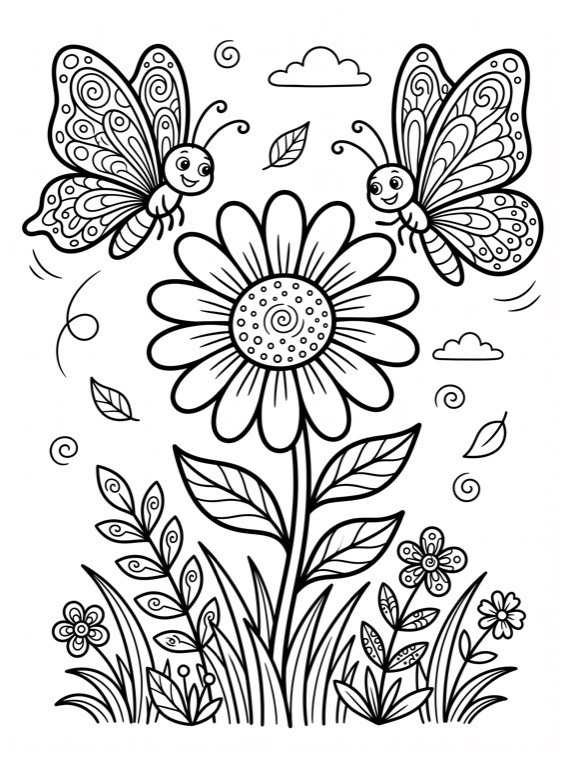
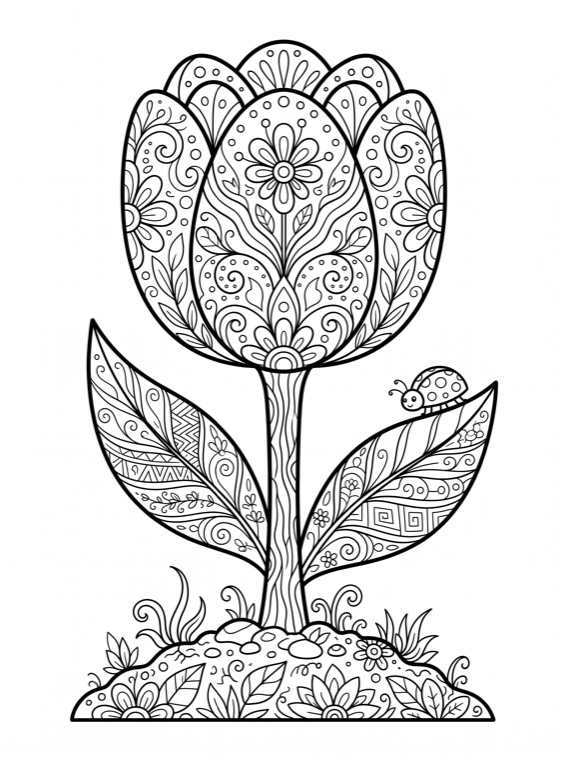
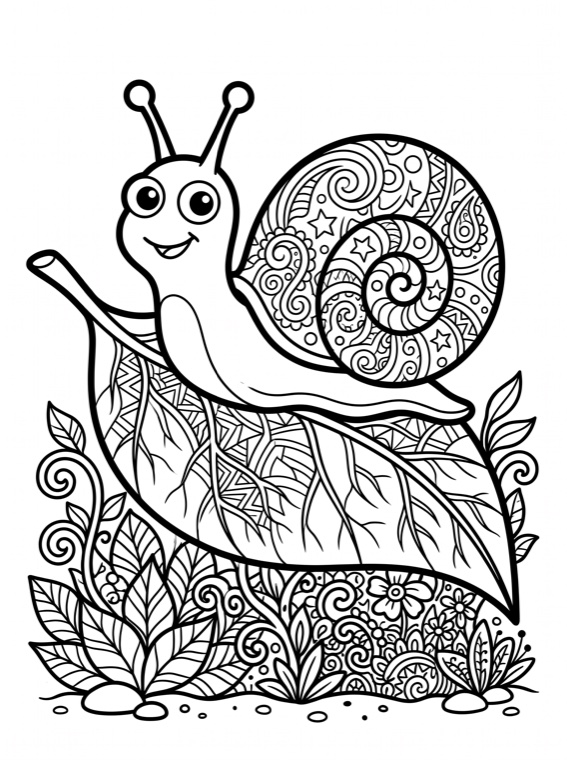
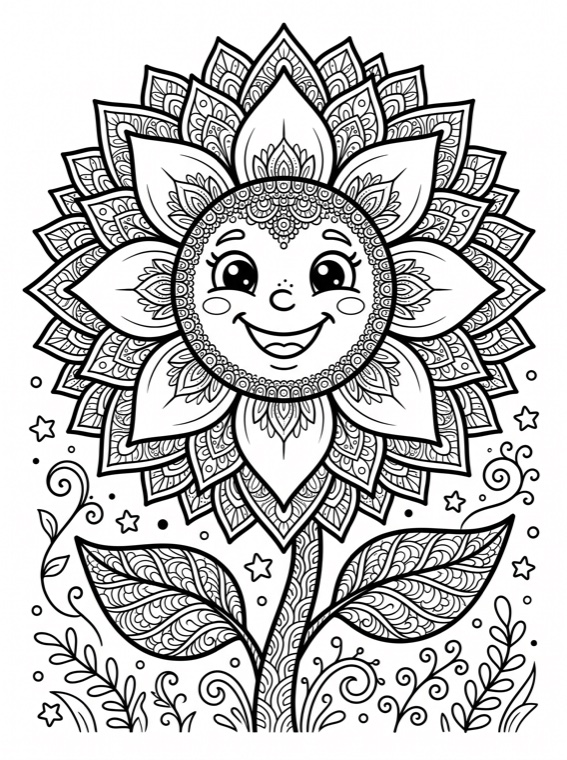
Botanical Serenity
Florals




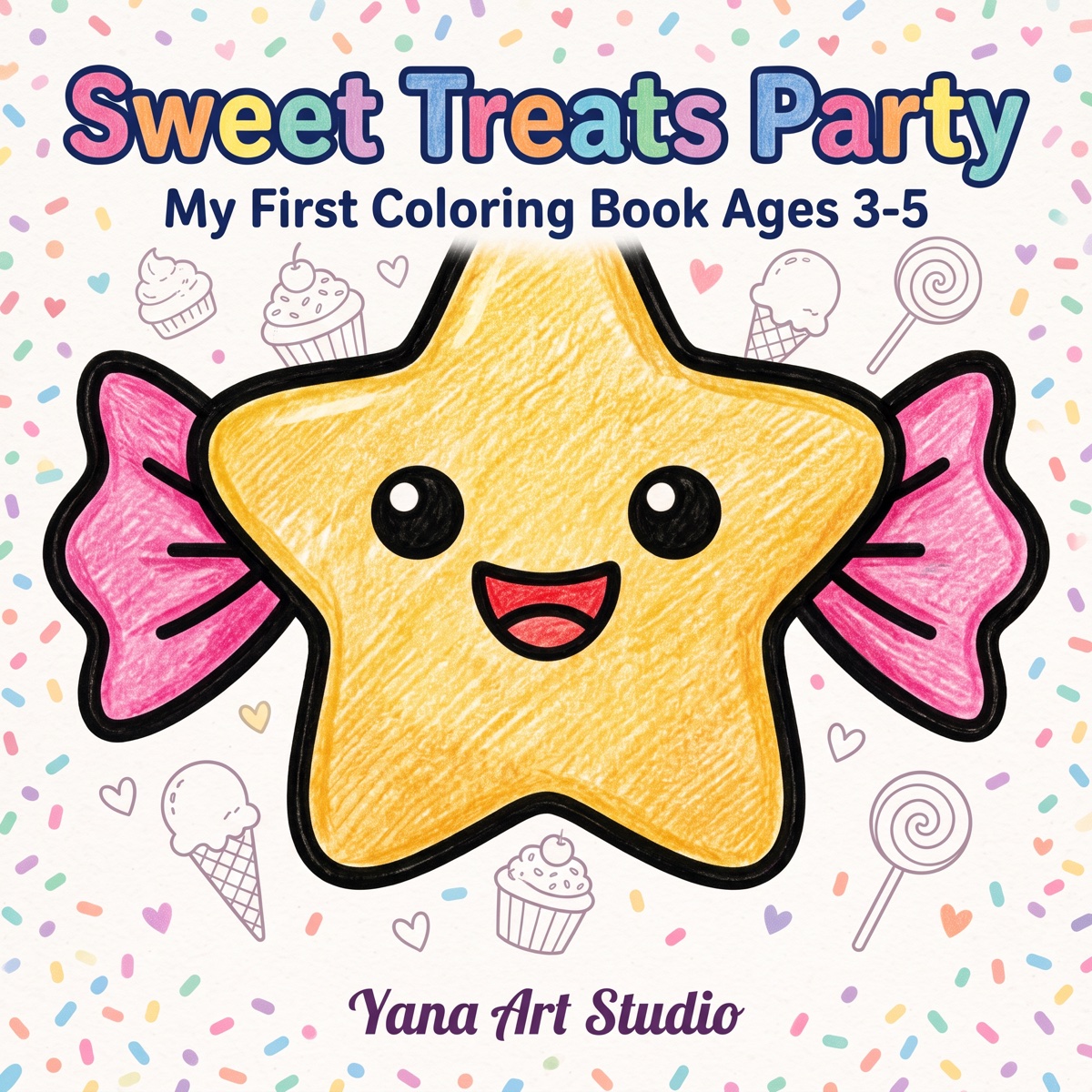
Sweet Treats Party
Kawaii Sweets
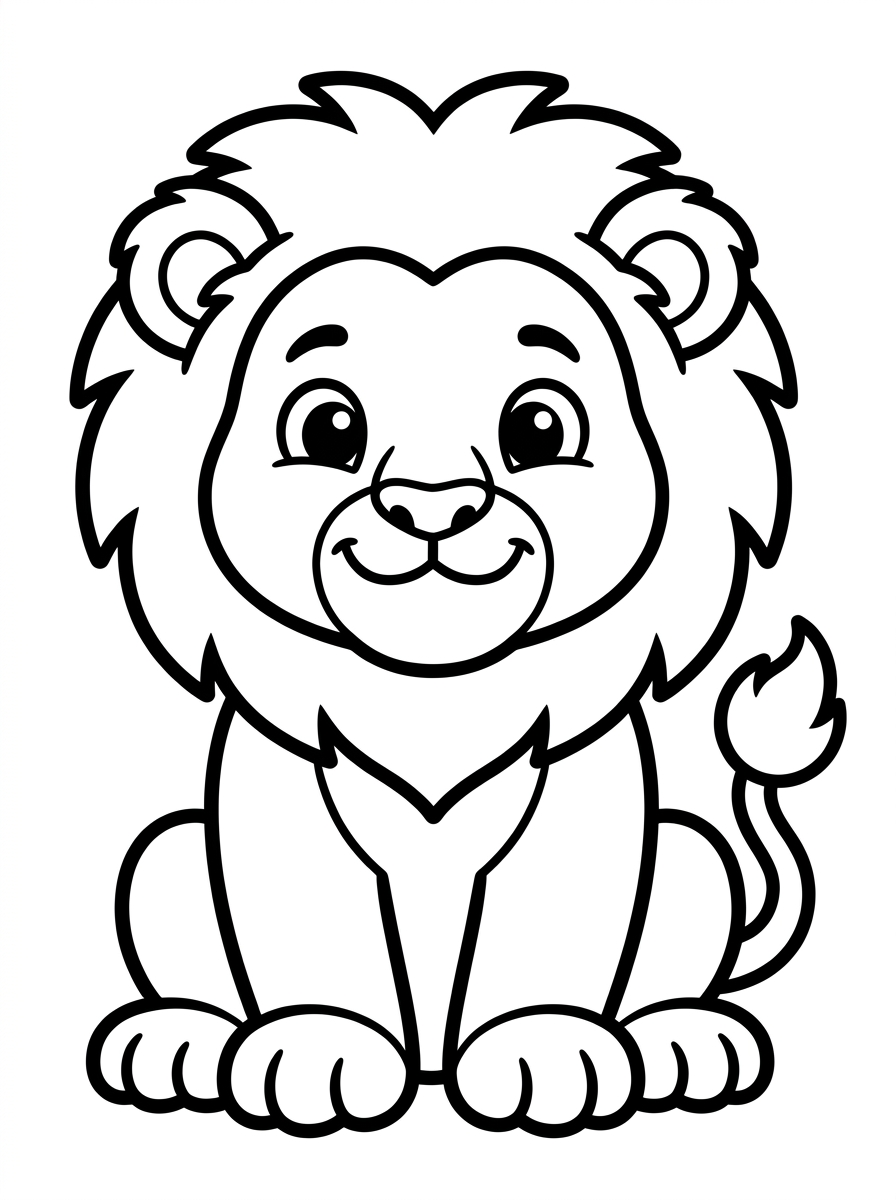
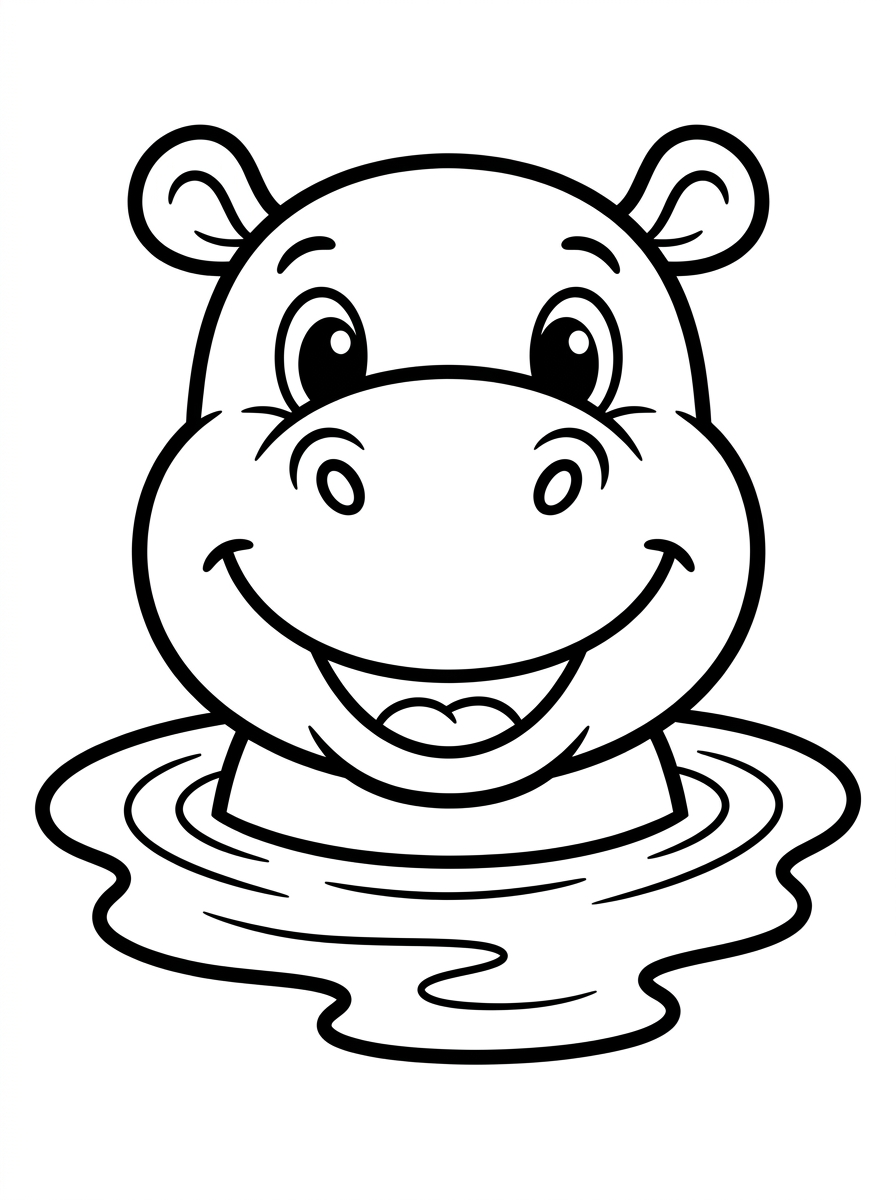
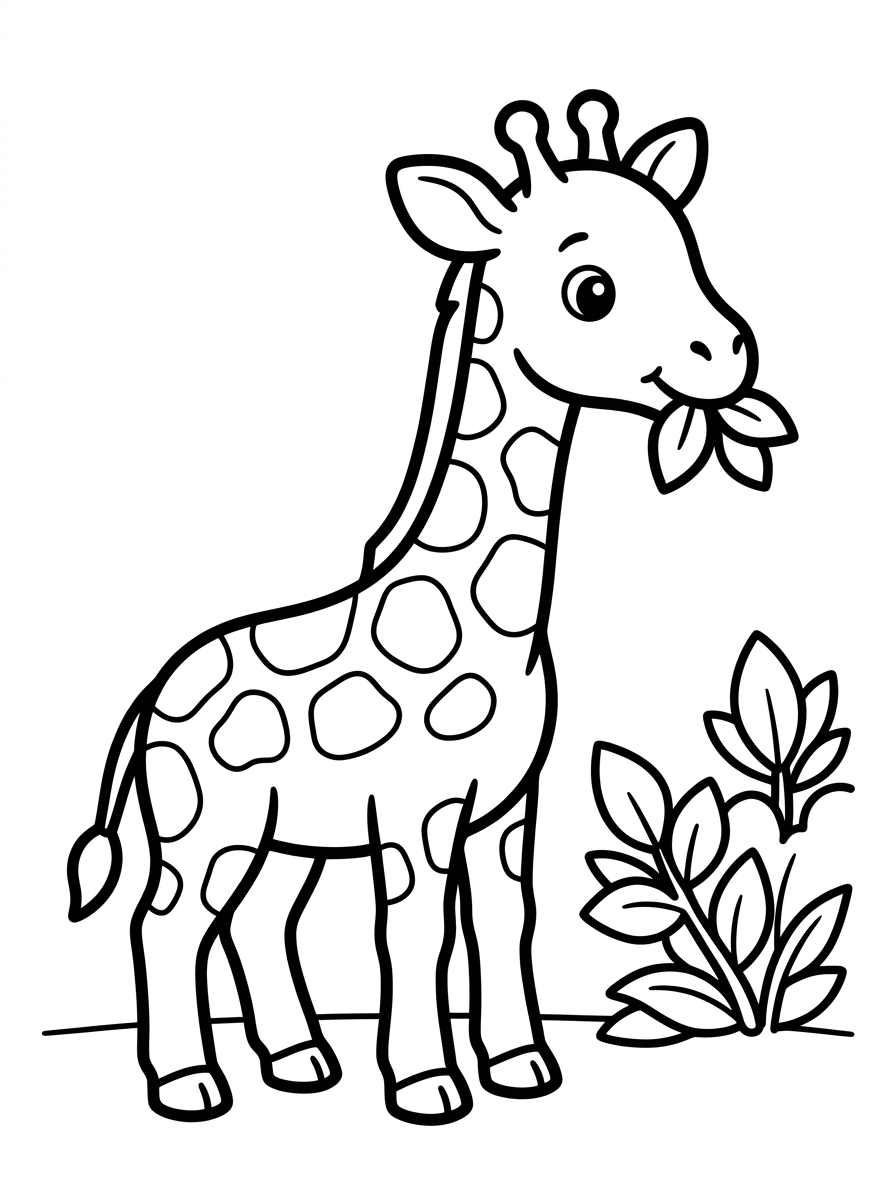
Cute Forest Animals
Animals
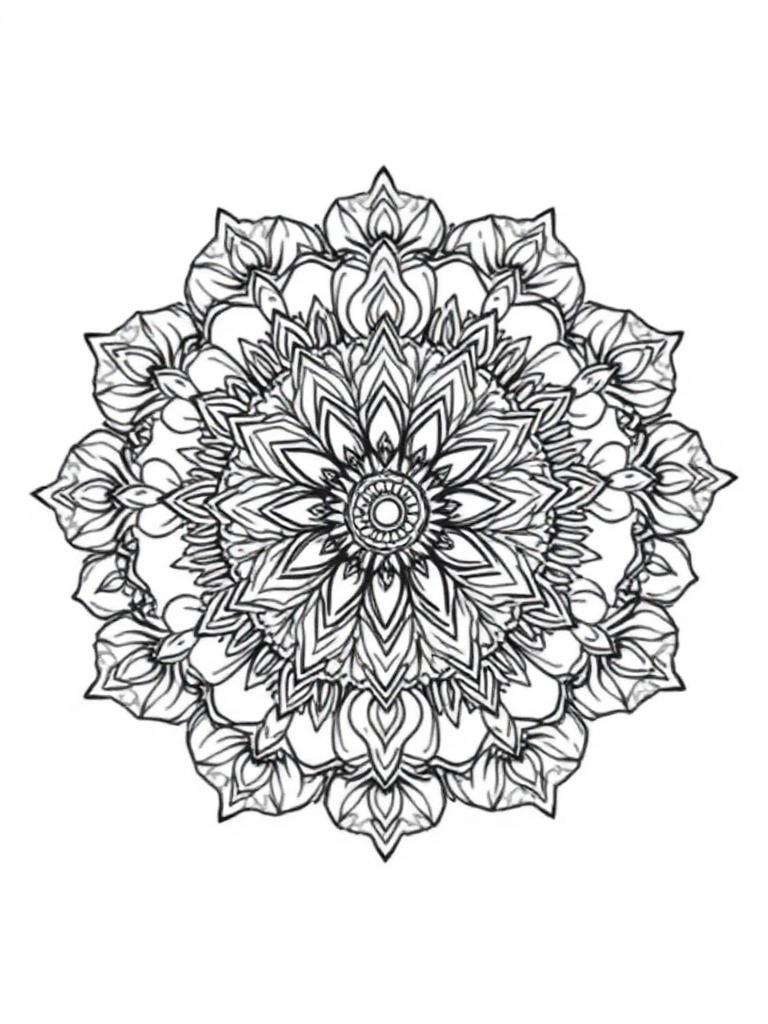
Mandala Meditation
Mandalas

Christmas Magic
Christmas
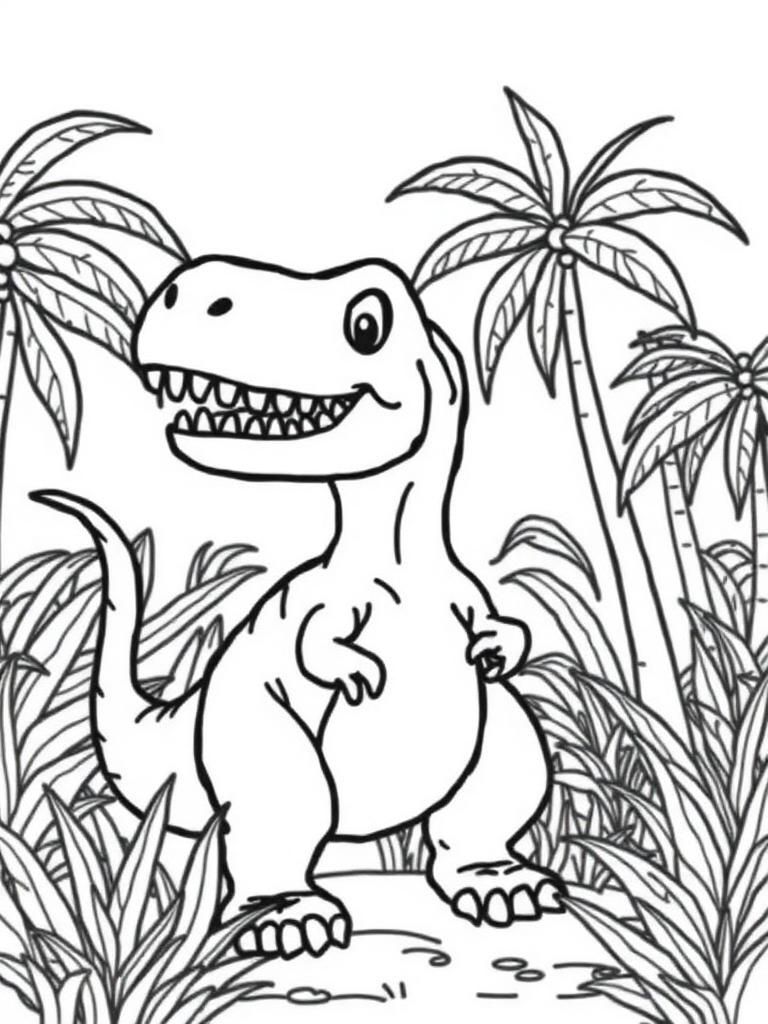
Dinosaur Adventures
Dinosaurs



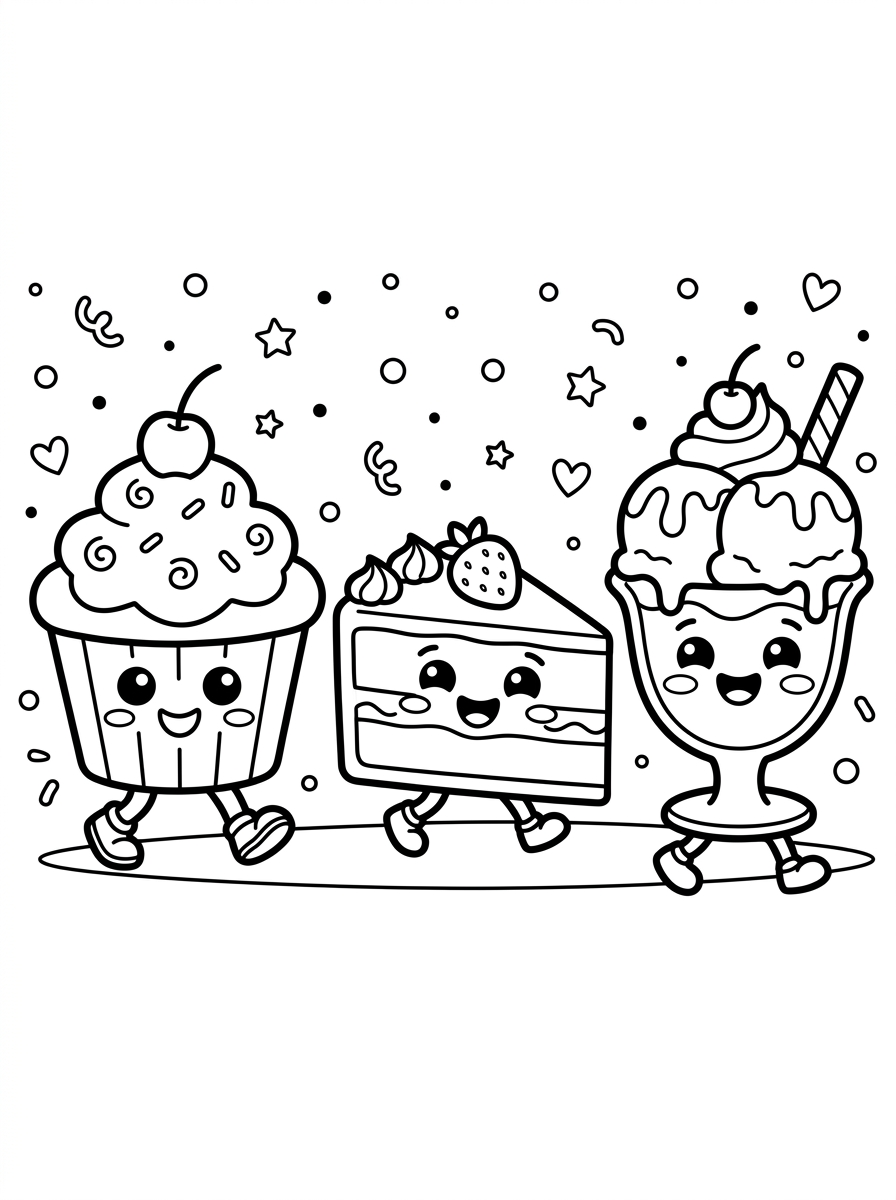
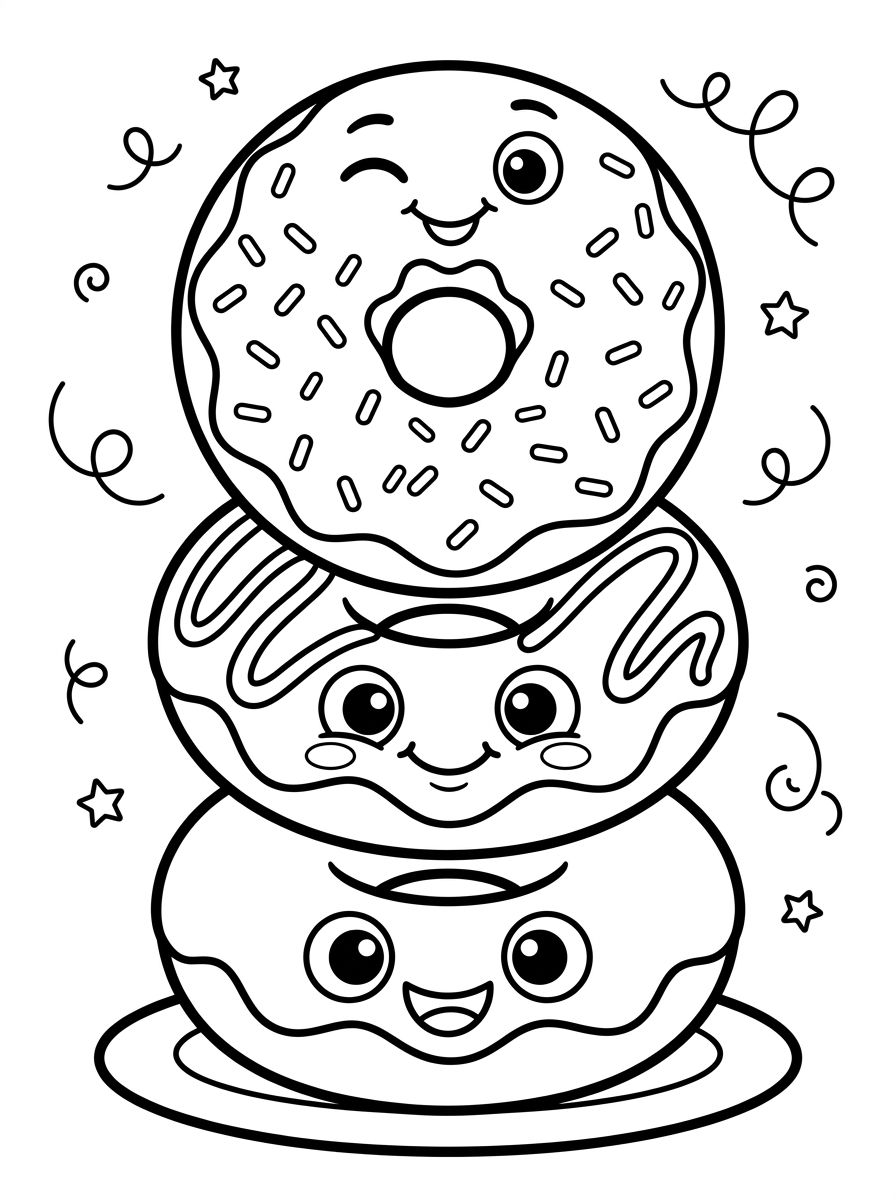
Kawaii Food Fun
Kawaii

Botanical Gardens
Nature
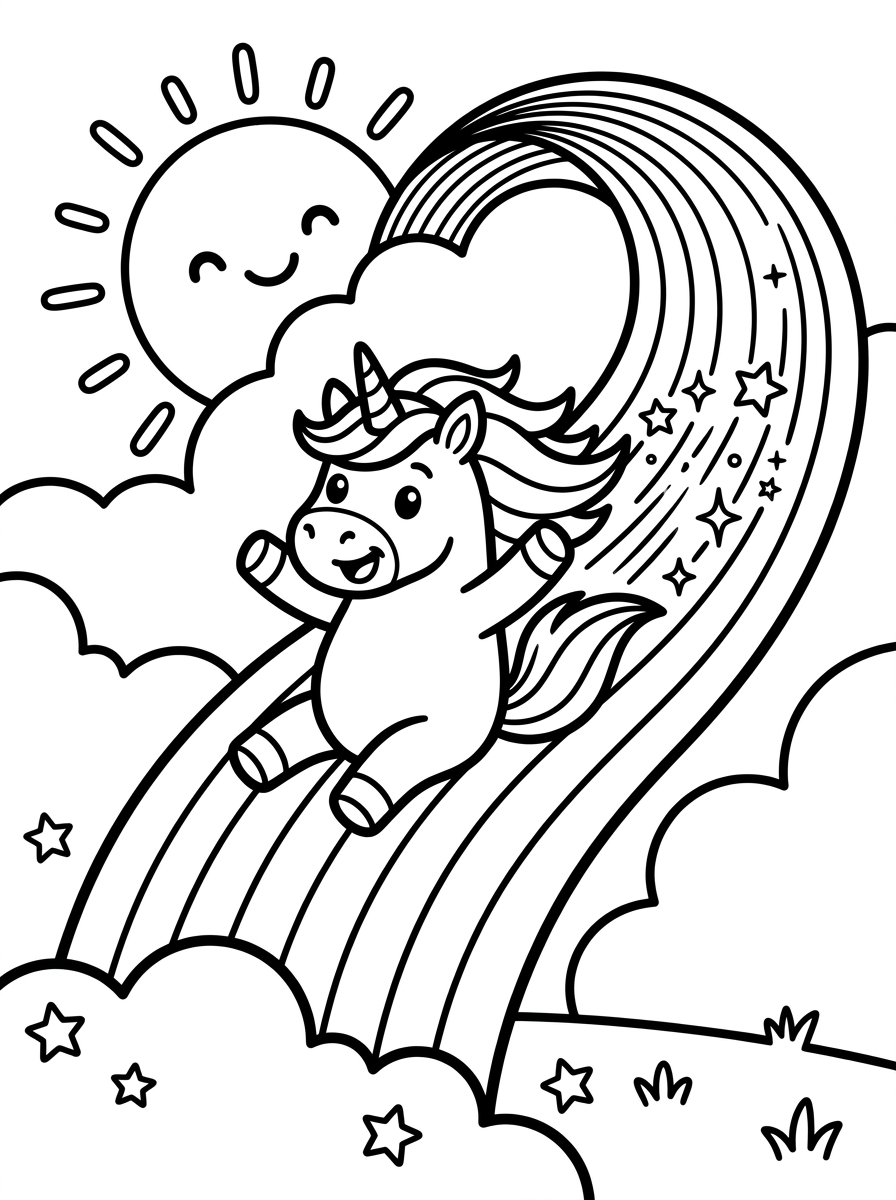
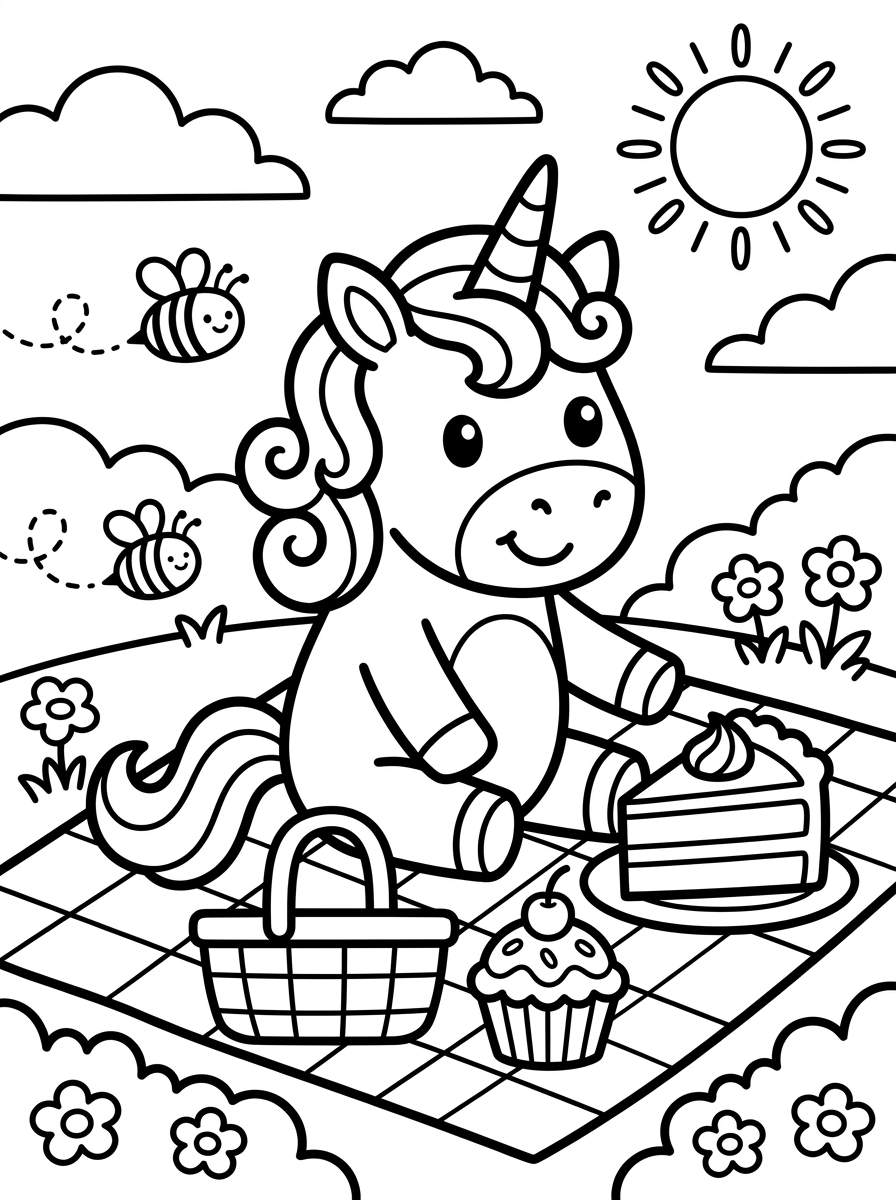
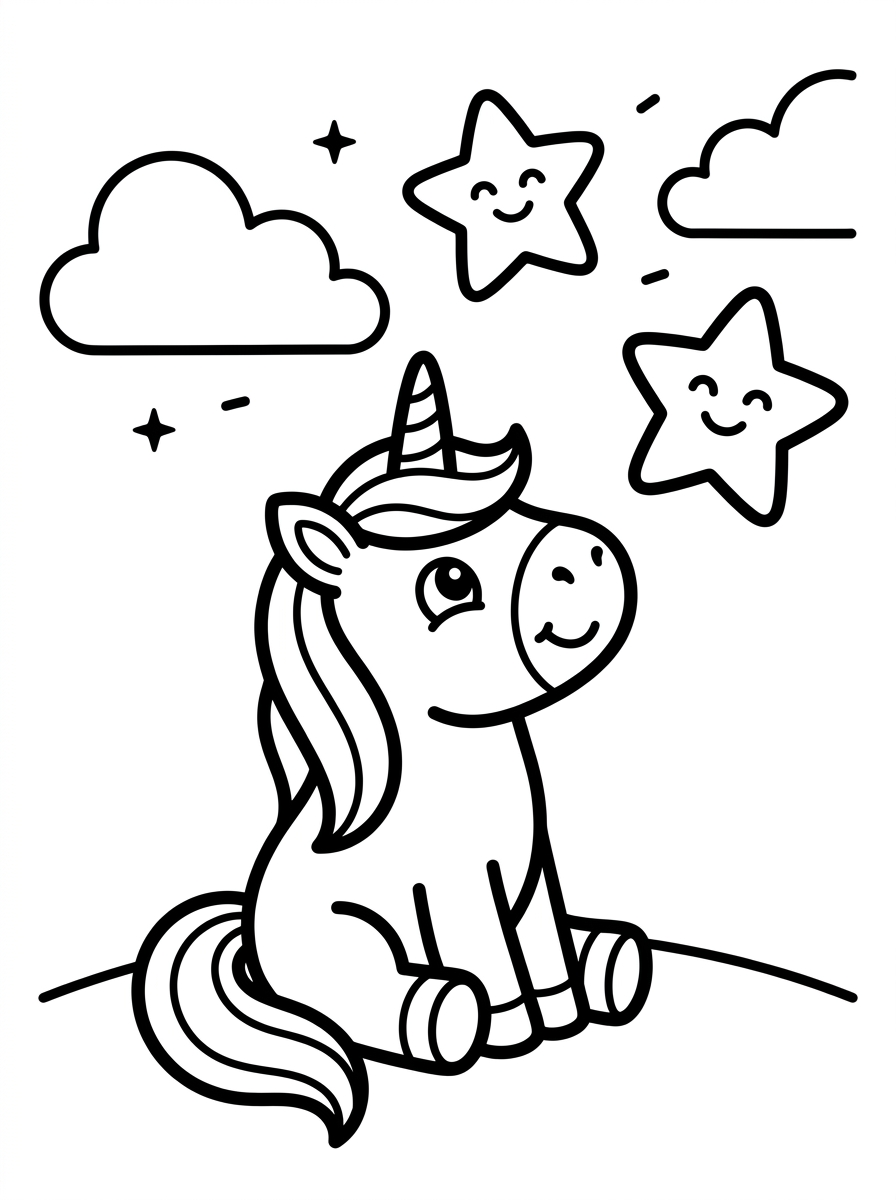
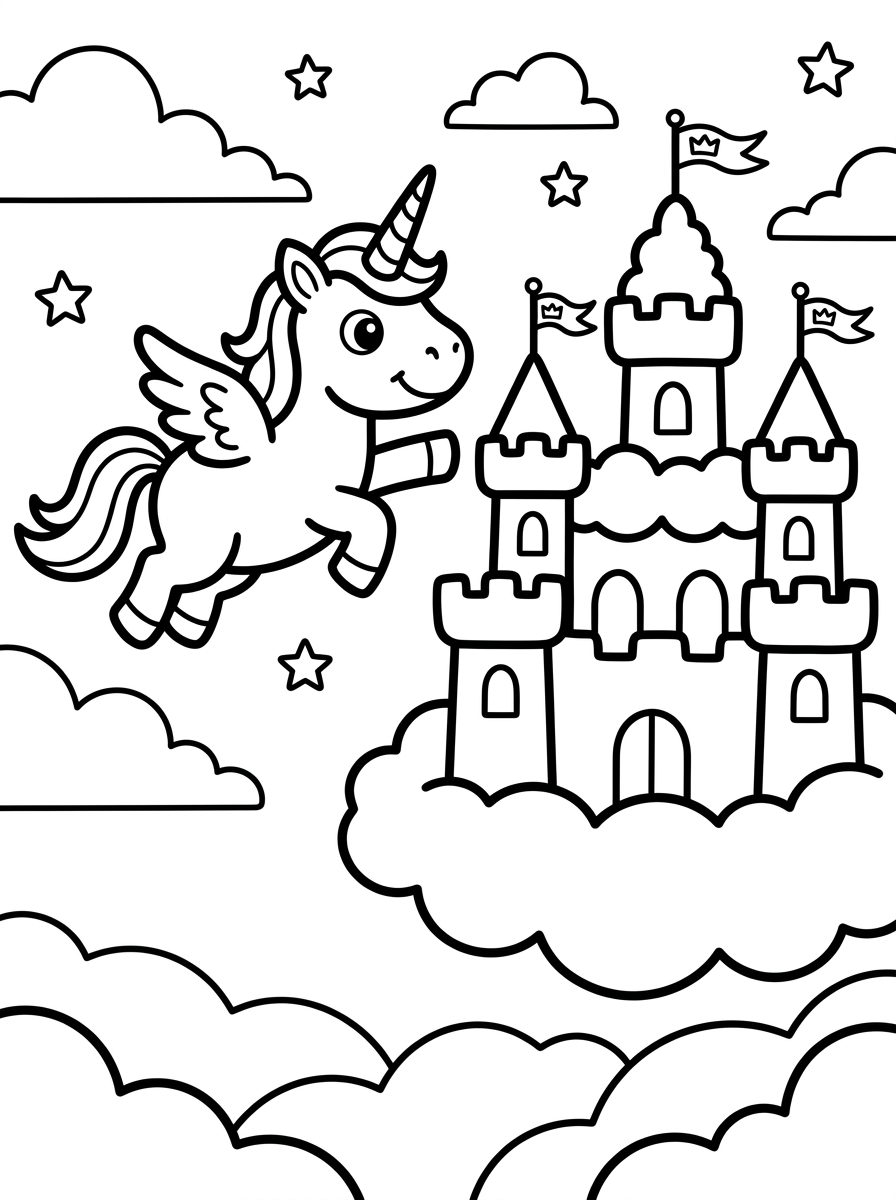
Unicorn Dreams
Fantasy

Halloween Spooky
Halloween
All books include 30–50 pages, print-ready cover, and SEO metadata
From Idea to Print-Ready
Coloring Book in 7 Steps
The same workflow used by experienced self-publishers, automated end-to-end by our AI coloring book creator.
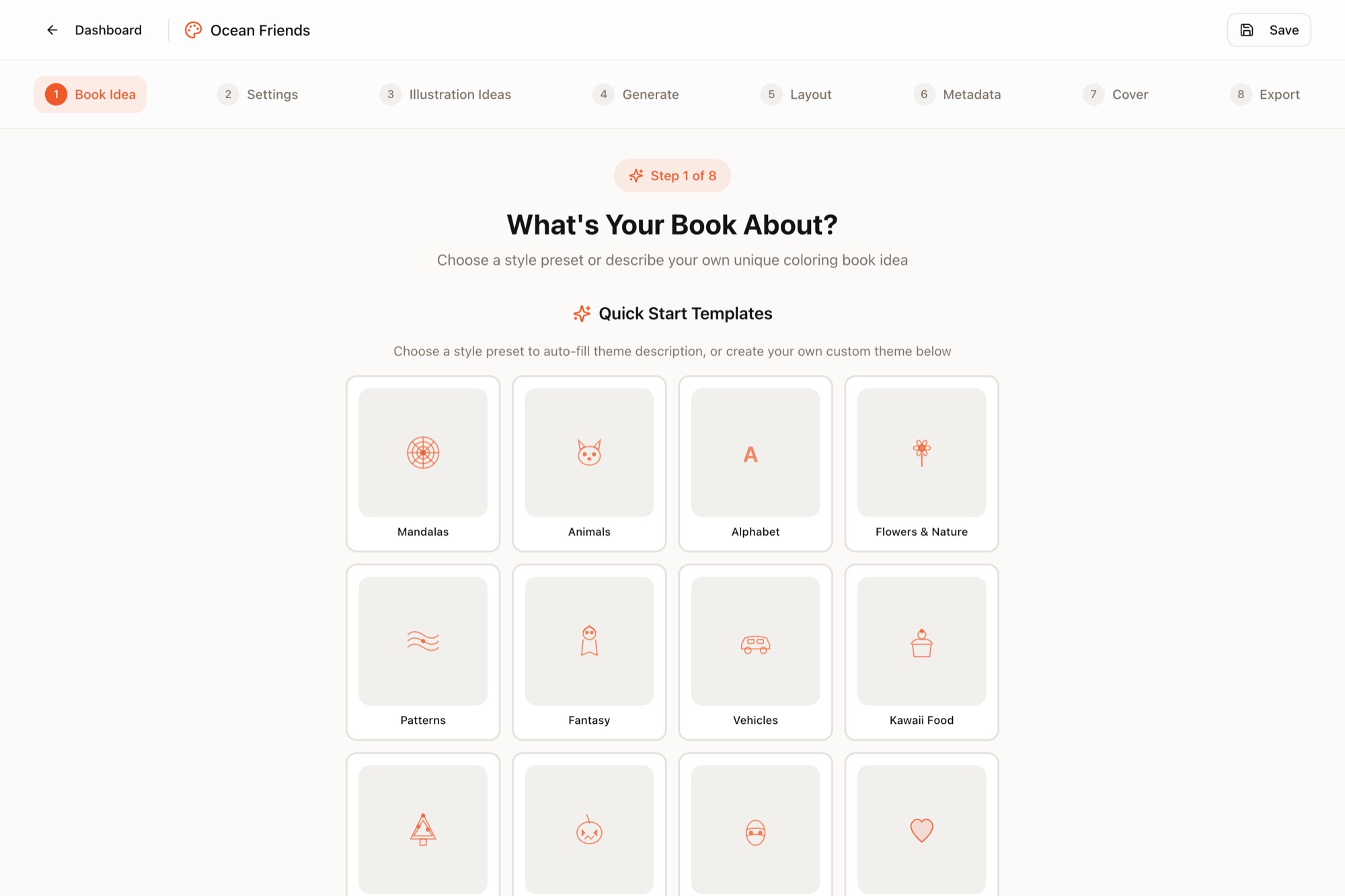
Describe Your Book Idea
Pick from quick-start theme templates or describe your own concept. AI helps refine your idea into a polished book concept.
- Animals, mandalas, seasonal & more
- Custom theme descriptions welcome
- AI refines your concept
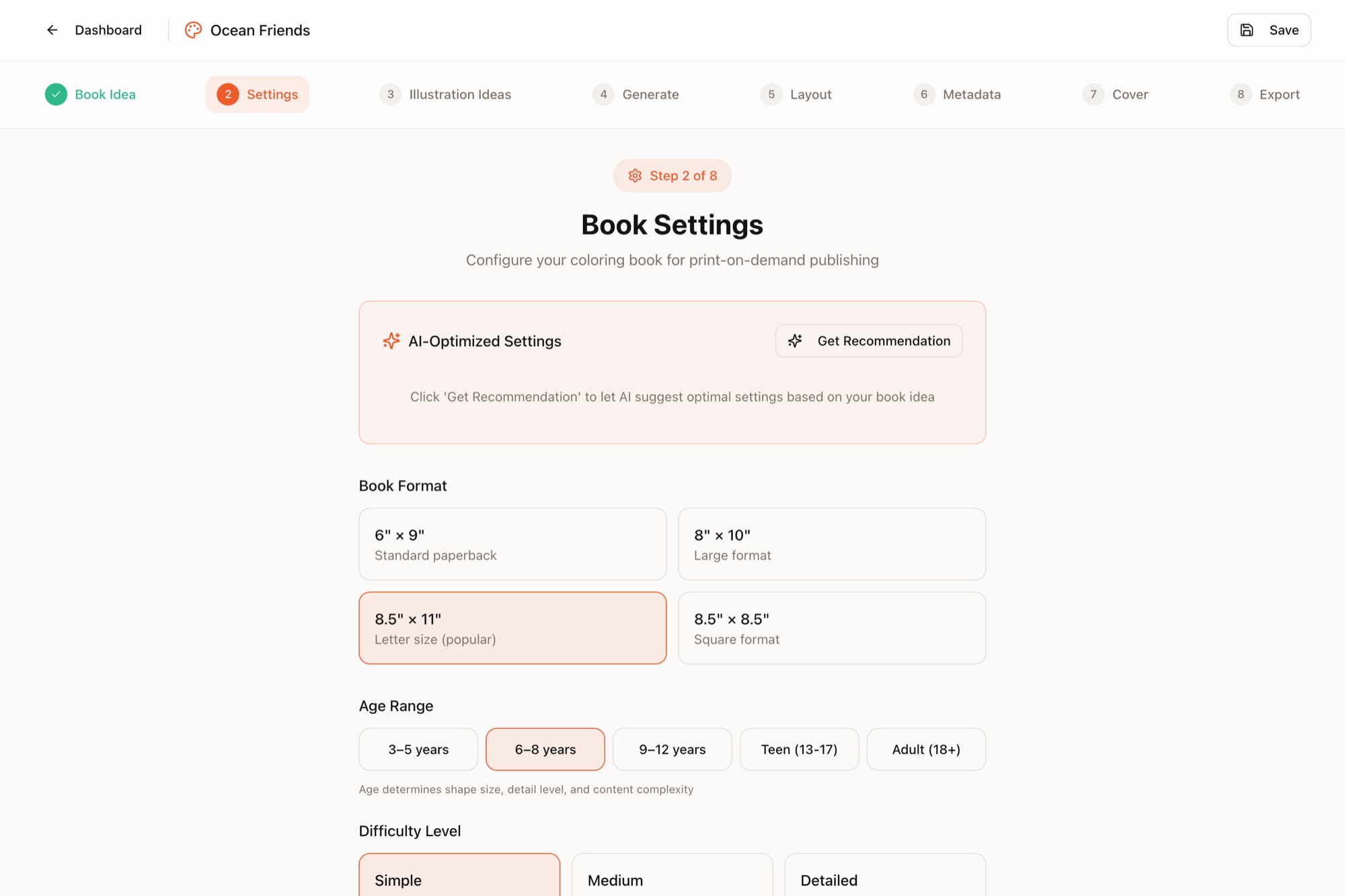
Configure Book Settings
Set age range, line style, complexity, and format. AI recommends settings based on audience best practices.
- Kids (3–12), teens, or adults
- Line weight & style presets
- Trim size and page count
Generate Illustrations
AI suggests 30–50 illustration concepts, then generates them all in one click with consistent style. Regenerate any page for free.
- Consistent style across all pages
- Free regenerations — unlimited tweaks
- Add, remove, or reorder pages
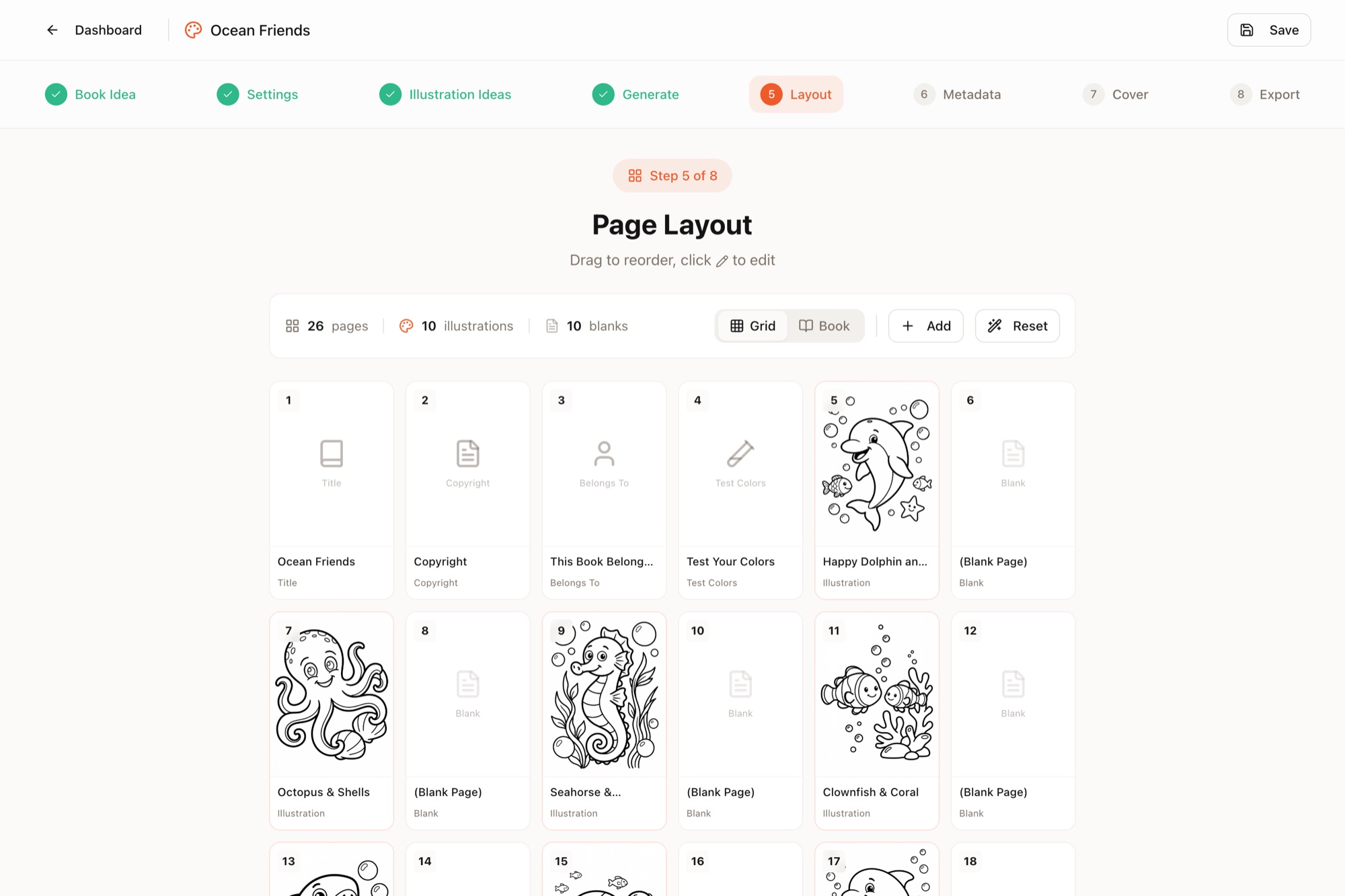
Layout & Page Editor
Pages auto-arrange with title page, test colors, and blank backs. Open the built-in editor to add text, shapes, or adjust any page.
- Drag & drop page order
- Built-in Canva-like editor
- Professional template pages
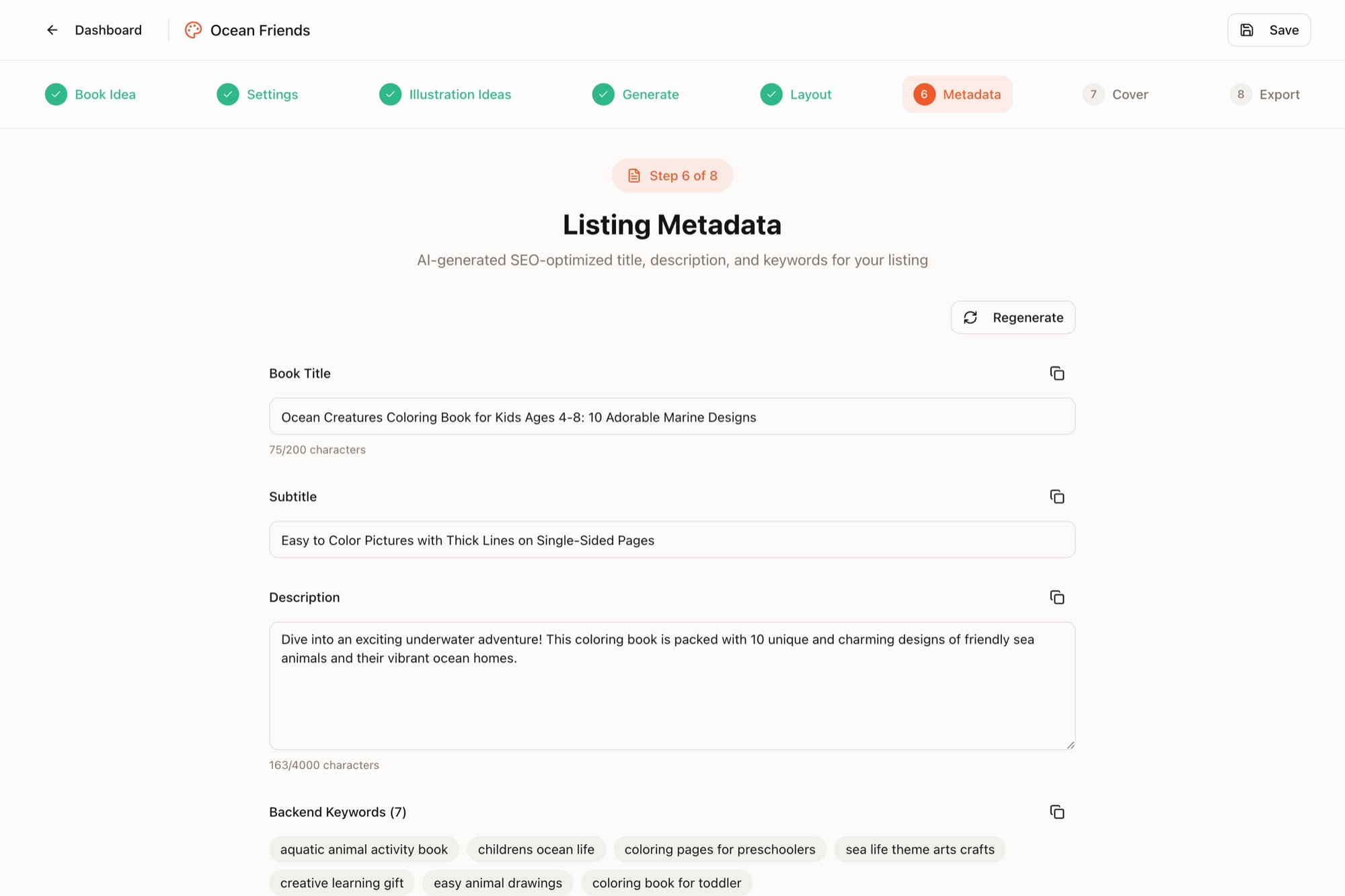
Generate Listing Metadata
AI creates an optimized title, description, and 7 backend keywords. Copy-paste directly into your marketplace listing.
- SEO-optimized title & subtitle
- Compelling book description
- 7 backend keyword phrases
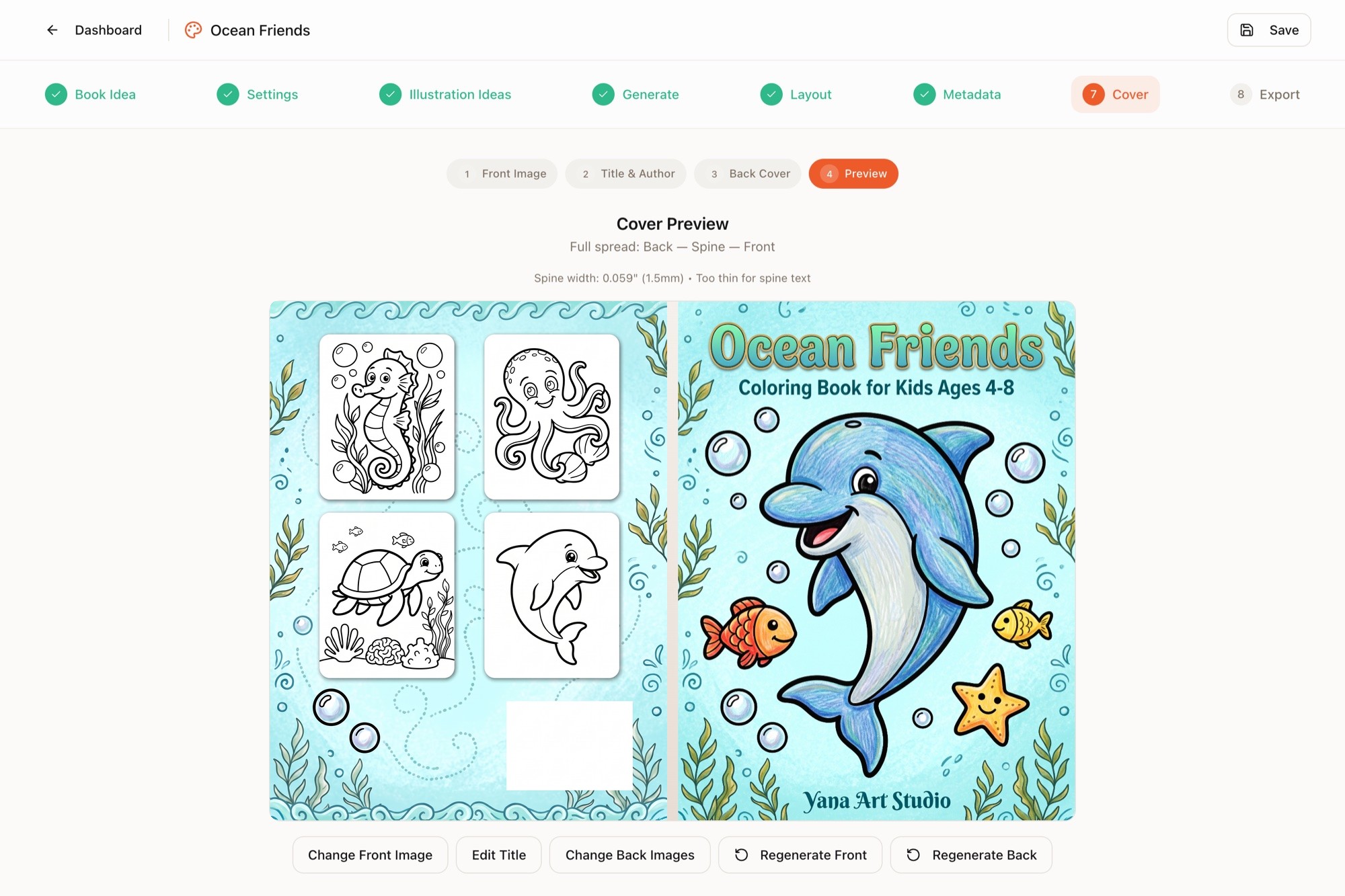
Design Your Cover
Choose an illustration, AI colorizes it with pencil texture and adds your title. Generate front and back covers that match.
- AI colorizes your illustration
- Front + spine + back cover
- Auto spine width calculation
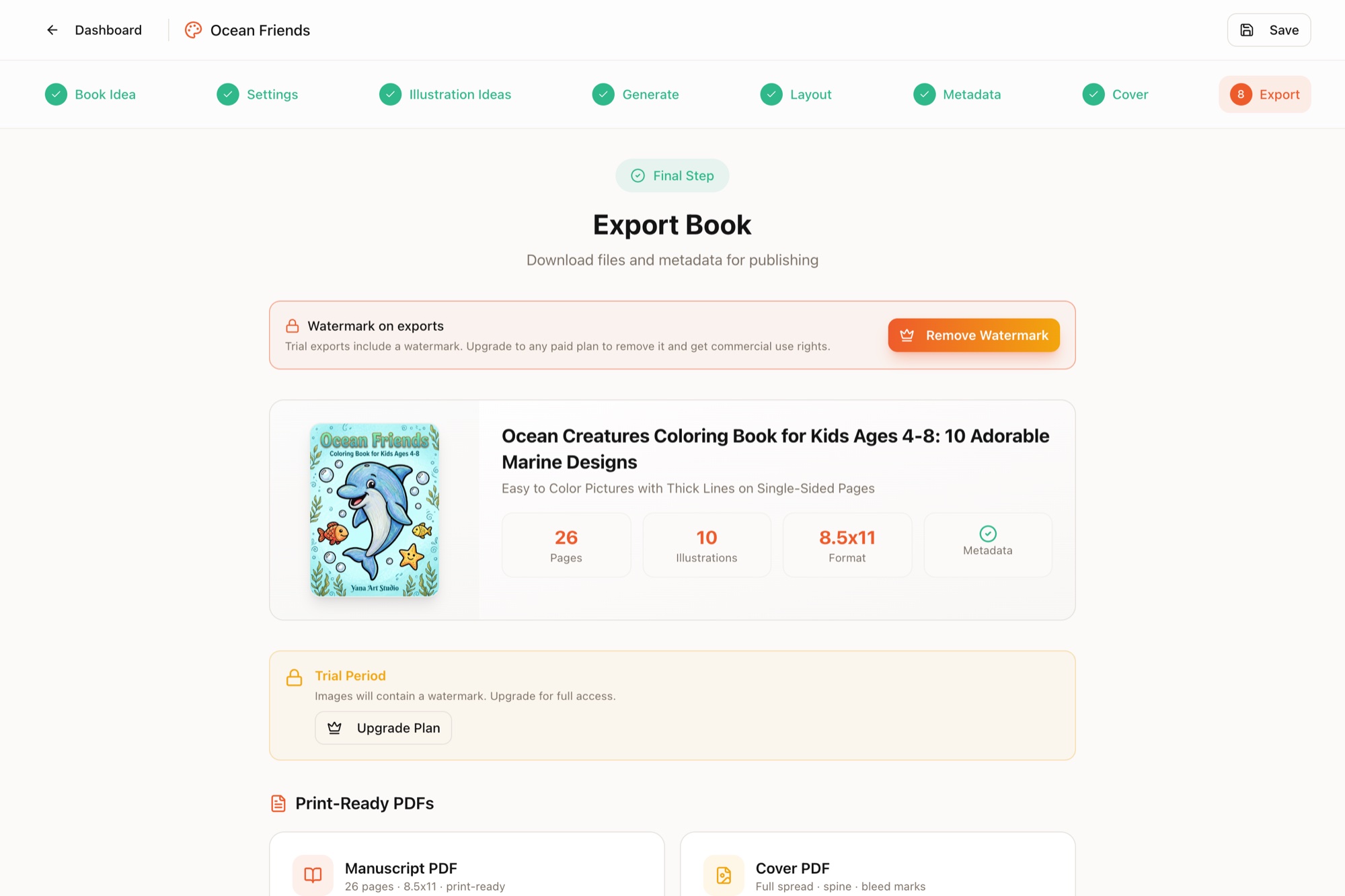
Export & Publish
Download print-ready manuscript PDF, cover PDF, and metadata file. Upload to your preferred self-publishing platform.
- Interior + cover PDFs
- 300 DPI print resolution
- Individual illustrations as PNG
No Fake Reviews — Just Real Books
We launched recently, so instead of borrowed praise here's what we can actually show you.
"I tried building a KDP coloring book business the manual way — sourcing illustrations, fighting with layouts, redoing covers. One book took weeks, and I gave up before it took off. Coloring Books Maker is the tool I wished existed back then: the whole pipeline, from a one-line idea to KDP-ready files, in one sitting. Every book on this page came out of it — that's the only proof I'll ask you to trust."
Every book above is real
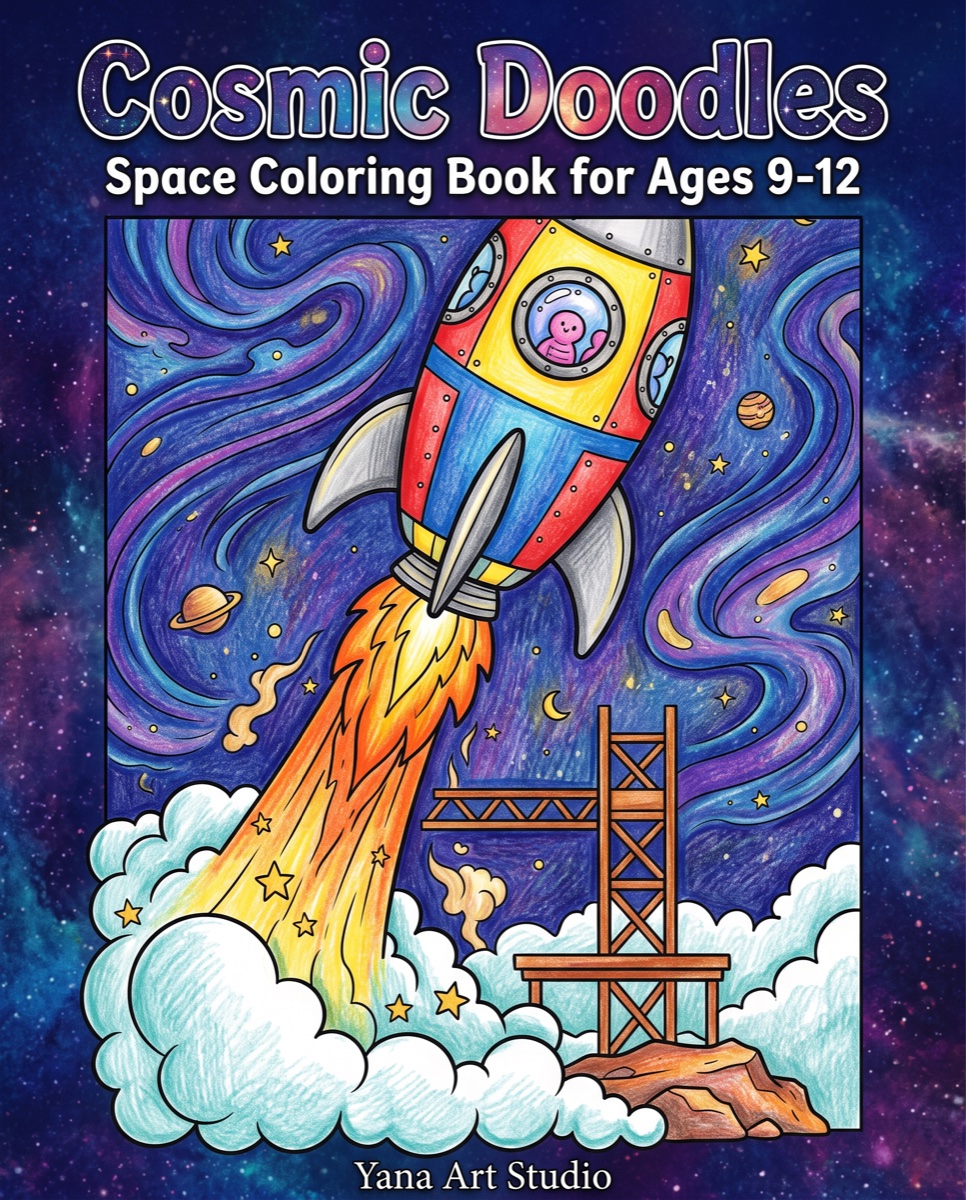
All six books on this page — from Ocean Friends to Retro Road Trip — were generated start-to-finish in the app. Flip through them page by page and judge the output yourself.
~20 minutes, honestly timed
The case study timing isn't a marketing number — it's how long "Ocean Friends" actually took: idea, 10 illustrations, layout, cover, and both print-ready PDFs.
Nothing was retouched
No Photoshop cleanup, no external editor. What the generator produced is exactly what you see in the page viewers — including consistent line weight across every page.
Try it before paying
10 free credits on signup — enough to generate real pages for your own idea and decide with your own eyes, not ours.
Real user reviews will appear here as they come in — unedited.
Simple Credit-Based Pricing
One credit = one AI generation (illustration or cover). Layouts, exports, and regenerations are free. Cancel anytime.
Billed monthly.
Trial
Try it out — no commitment
- 10 credits (one-time)
- All illustration styles & themes
- AI cover generator (1 credit/cover)
- Built-in page editor
- Layout & export tools
- SEO listing metadata generator
- Unlimited exports (PDF, PNG)
- Email support
Starter
For hobby creators
- 100 credits/month
- All illustration styles & themes
- AI cover generator (1 credit/cover)
- Built-in page editor
- Layout & export tools
- SEO listing metadata generator
- Unlimited exports (PDF, PNG)
- Email support
Pro
For active self-publishers
- 400 credits/month
- All illustration styles & themes
- AI cover generator (1 credit/cover)
- Built-in page editor
- Layout & export tools
- SEO listing metadata generator
- Unlimited exports (PDF, PNG)
- Email support
Business
For professional publishers
- 1000 credits/month
- All illustration styles & themes
- AI cover generator (1 credit/cover)
- Built-in page editor
- Layout & export tools
- SEO listing metadata generator
- Unlimited exports (PDF, PNG)
- Email support
Need More Credits?
One-time purchases. Credits never expire and stack with your subscription.
credits
$0.24/credit
credits
$0.20/credit
credits
$0.19/credit
credits
$0.18/credit
Credit Calculator
Fits in: Starter (2 books/mo) · Pro (9 books/mo) · Business (23 books/mo)
All plans include commercial use rights for the illustrations you generate. Monthly credits reset each billing cycle. Extra credit packs never expire.
Learn the Coloring Book Business
KDP tutorials, niche research, and keyword strategy — everything you need to publish books that actually sell.
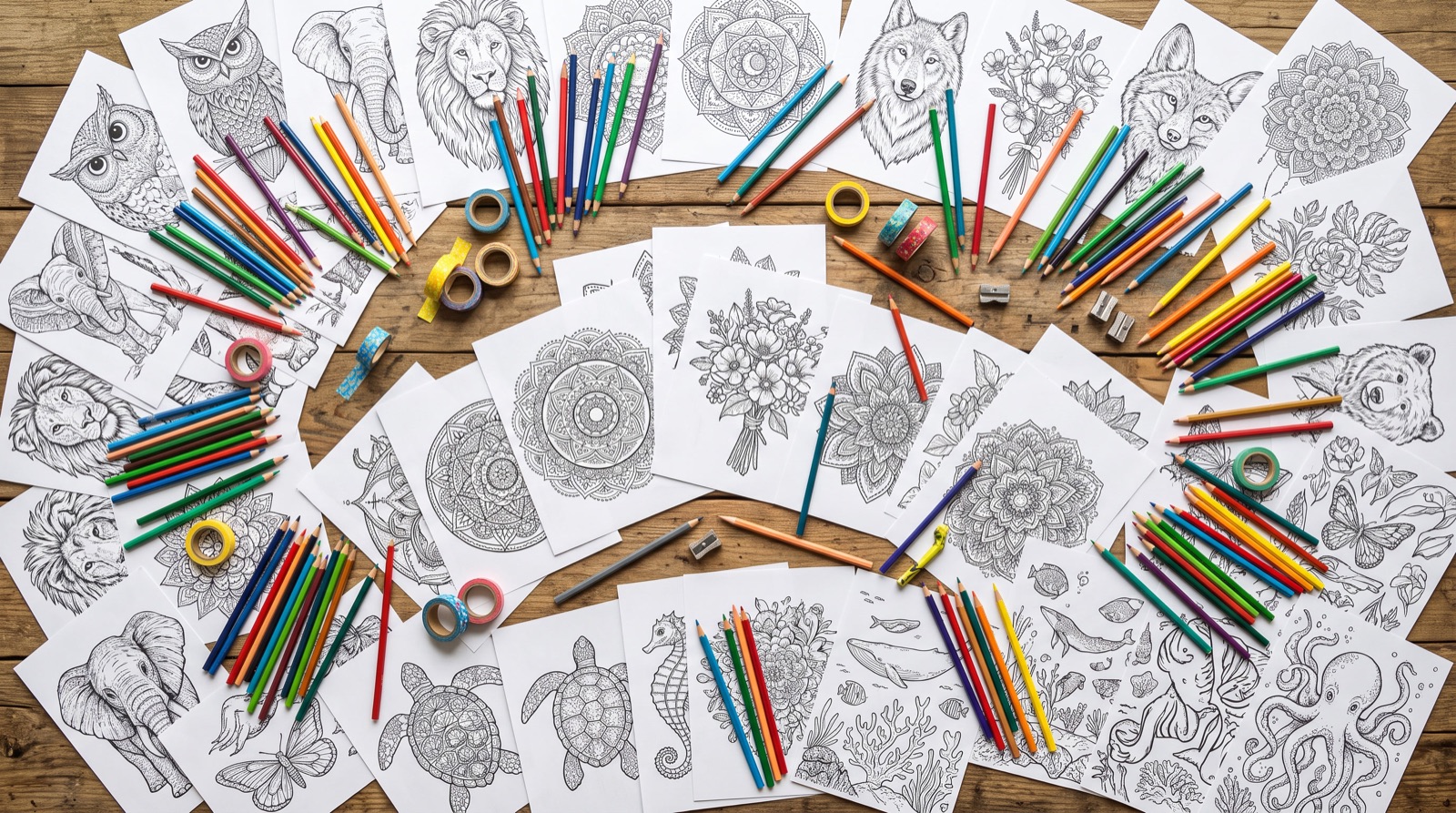
How to Sell Coloring Pages on Etsy: The Printable Seller's Playbook
Digital downloads with 85–95% margins: what sells, how Etsy's 140-character titles and 13 tags actually rank, packaging files under the 5×20 MB limit, and listing photos that convert.
10 min read
Make a Personalized Coloring Book Gift — From Idea to Printed Copy
Their name on the cover, their dog on page five: how to create a one-of-a-kind coloring book in an evening and print a single copy at home, at a copy shop, or delivered to your door.
8 min read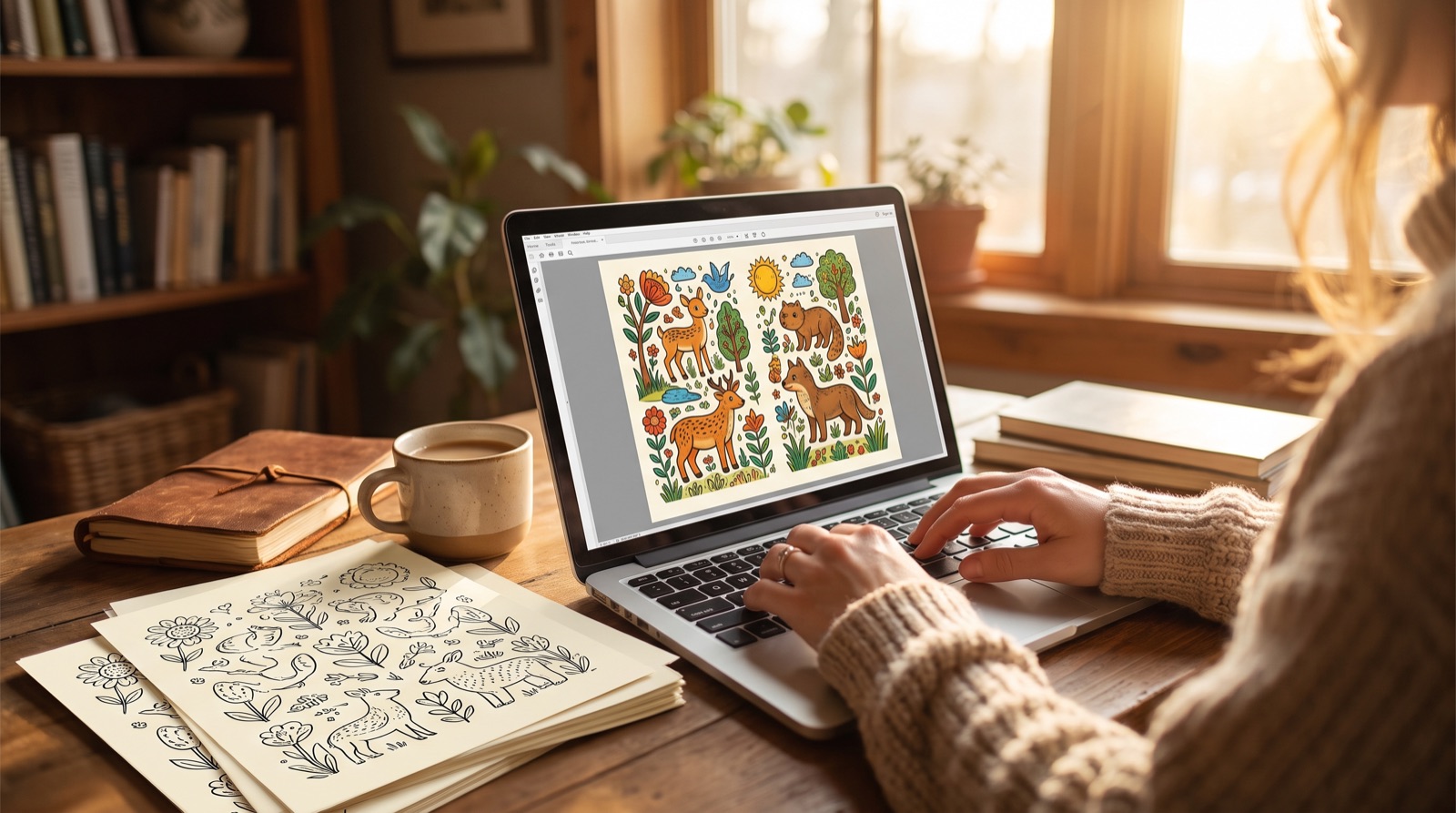
How to Start Publishing on Amazon KDP: Beginner's Guide
Everything first-time publishers need: setting up your KDP account, the tax interview, uploading your first book, and dodging the rejections that stall most beginners.
12 min readNeed a hand? Open a ticket
Send us a ticket from the site and we'll reply by email — usually within one business day. Prefer email? Write directly to support@coloringbooksmaker.com.
Send a ticket from the site
Fastest option — we get your plan, page and screenshots attached automatically.
Email us directly
Write to support@coloringbooksmaker.com and include your account email plus a screenshot if something is broken.
support@coloringbooksmaker.comResponse time
Mon–Fri, replies usually within one business day.
Protected against spam. Attachments are scanned and stored privately — only PNG, JPG, WEBP, GIF and PDF files are accepted.
Your Next Coloring Book
Starts with One Idea
Skip the weeks of illustration work and the tangle of design software. Describe your concept, choose an audience, and let the AI handle the rest — from the first page to a print-ready PDF.
Free to start. No credit card. Export a full book before you pay.