
Your first coloring book in ~20 minutes
Follow the exact session that produced “Ocean Friends” on our landing page: one paragraph of an idea to two print-ready PDFs.
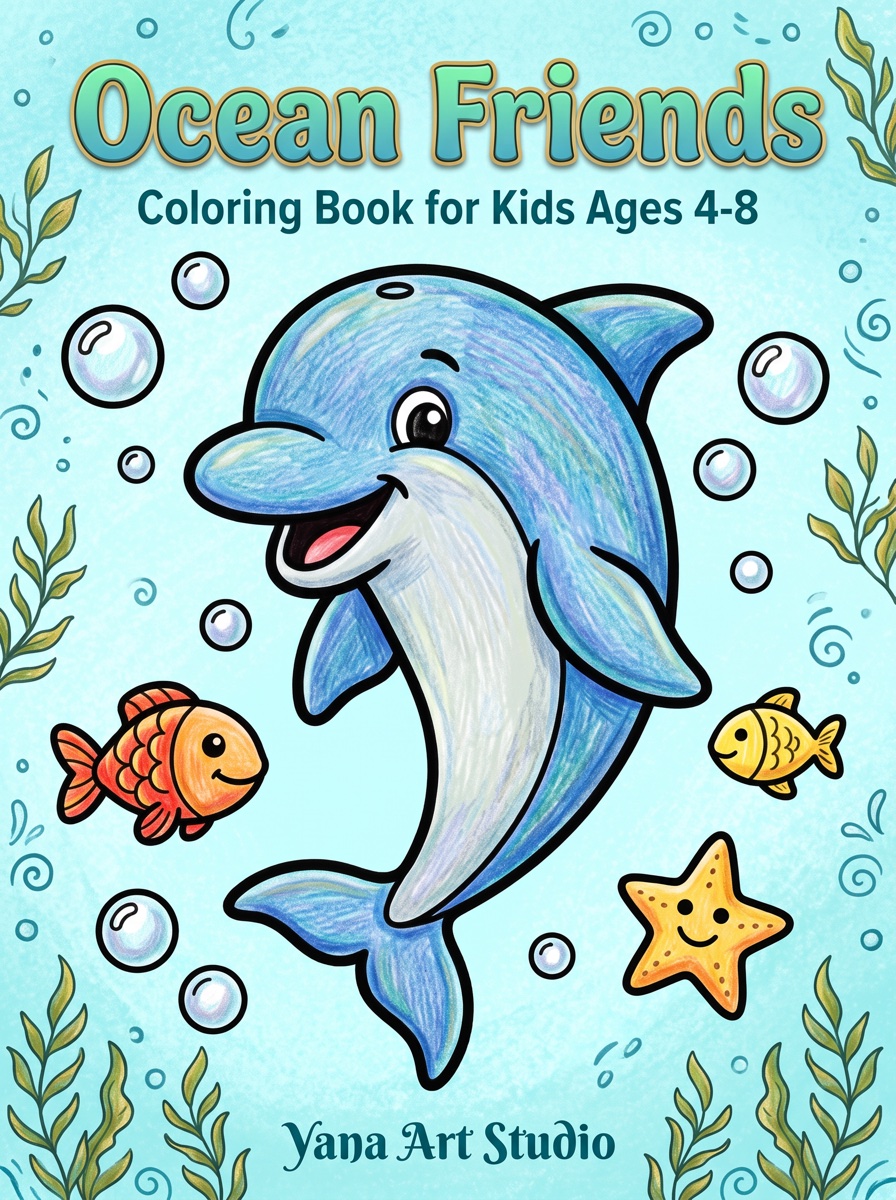
This is the exact session that produced “Ocean Friends”, the book featured on our home page. Ten illustrations, a colorized cover, 26 manuscript pages, two print-ready PDFs — about 20 minutes and 12 credits, which fits inside the free trial's 10 credits if you skip the covers.
1. Describe the book (2 min)
From the dashboard, click Create New Book. In the Idea step, paste a paragraph like the one we used:
Cute underwater sea creatures — dolphins, sea turtles, octopuses, seahorses and friendly sharks exploring coral reefs… friendly cartoon style with bold clean outlines, ages 4–8.
Notice what it contains: subject, cast of characters, setting, drawing style, and audience. That's the whole recipe — keep yours equally concrete.
2. Settings (2 min)
- Trim size: 8.5″ × 11″ — the safest, most familiar choice;
- Age range: 6–8 years, which gives bold clean outlines;
- Illustrations: 10.
Add your author name in the Brand section if you want it printed on the title page and cover.
3. Review the illustration ideas (3 min)
The AI proposes ten titled scenes — ours came back as “Happy Dolphin and Friends”, “Octopus & Shells”, “Seahorse & Bubbles” and so on. Read them like a table of contents: is there variety, or are three pages basically the same picture? Edit, delete and reorder until the list reads well. This step is free, so spend your attention here.
4. Generate the images (5 min, 10 credits)
Hit generate and let all ten render in one batch. When they land, look at each one. Don't like a pose or a composition? Press regenerate — it's free and keeps the book's style. Two or three regenerations per book is normal.
5. Layout (2 min)
The app assembles 26 pages: title page, copyright, “this book belongs to”, a test-your-colors page, your ten illustrations each followed by a blank back, and closing pages. Drag anything out of order into place, or drop a template you don't want.
6. Metadata (2 min, optional)
If you plan to publish, let the AI draft your listing title, description and keywords. Copy them to a note — you'll paste them into your marketplace later.
7. Cover (3 min, 2 credits)
Generate a front cover; ours reused the dolphin from page 1, colorized. Then generate the matching back. The app builds the wraparound spread — back, spine, front — sized to the final page count automatically.
8. Export (1 min)
Download both PDFs: the 300-DPI interior manuscript and the wraparound cover. Flip through them once at 100% zoom using the export checklist, and you're done.
What to do next
Publish it (Publish on Amazon KDP), or build a second edition for a different audience — the same theme at ages 3–5 in a square format is a genuinely different book (square toddler tutorial).