Make a Personalized Coloring Book Gift — From Idea to Printed Copy
Their name on the cover, their dog on page five: how to create a one-of-a-kind coloring book in an evening and print a single copy at home, at a copy shop, or delivered to your door.
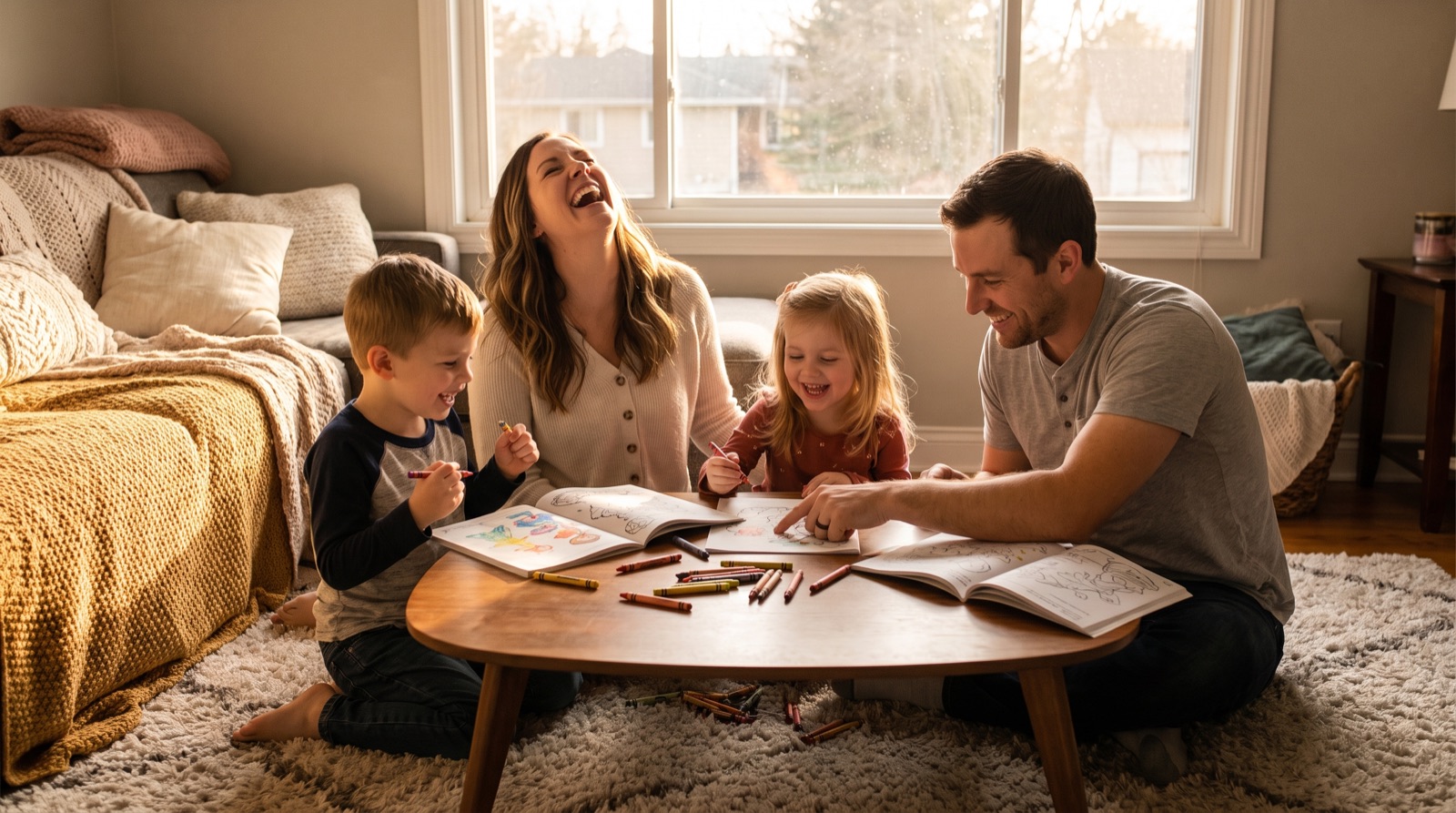
The best gift for a kid who loves coloring isn't another store-bought book — it's a book about them. Their name on the cover, their favorite animals inside, the family dog on page five. Here's how to make a personalized coloring book in an evening and hold a printed copy in your hands within a week or two — no design skills required.
When a Personalized Book Wins
- Birthdays — "Mia's Jungle Adventure, age 5" as the party centerpiece;
- Wedding kids' tables — an activity book about the couple keeps small guests happy through the speeches;
- Grandparent gifts — in both directions: a book about the grandkids, or one drawn from grandma's garden;
- Classroom & teams — end-of-year books with every kid's name on a page;
- New sibling — "Leo becomes a big brother" eases the arrival.
The 15-Minute Recipe
Start with one honest paragraph about the recipient: age, obsessions, pets, favorite places. That paragraph is the brief. In the book wizard, pick "For myself & gifts" on the first step — the wizard then skips everything publishers need (keywords, categories, marketplace metadata) and heads straight for print-ready files.
- Describe the theme — "Emma, 6, loves unicorns, her cat Biscuit, and the beach";
- Review the page ideas — the AI proposes a page list; rename, reorder, regenerate freely;
- Generate the art — matched line-art style across every page, age-appropriate line weight;
- Add the personal pages — "This book belongs to", a dedication, a certificate for finishing;
- Design a simple cover — for a personal book, the front is all you need.
Three Ways to Print It
1. Order one printed copy online (nicest result)
Print-on-demand services print a single softcover from your PDFs and ship it to your door — a 30–40 page book costs just a few dollars plus shipping. Right in the Export step you can order a printed copy without leaving the app: enter an address, see the price, pay, done.
2. A local copy shop (same-day)
Upload the PDF to FedEx Office, Staples or your local printer, ask for single-sided pages on 28 lb paper with coil binding — it lies flat while coloring. Usually $12–25.
3. Print at home (tonight)
Heaviest paper your printer takes, single-sided, "Actual size" in the print dialog, a cardstock cover, and a long-arm stapler or a $4 coil bind at a copy shop. The full walkthrough lives in our printing guide.
The Character Question
Kids ask for Bluey, Pokémon and Elsa — but trademarked characters can't legally go in your book, even a private gift you later share or sell. The good news: what children actually love is the archetype. "A cheerful blue puppy who plays games with her little sister" or "a small yellow lightning creature" delivers the joy without the lawyers, and the AI draws original characters in that spirit.
Frequently Asked Questions
How long does it take to make a personalized coloring book?
About 15 minutes of your input: describe the child's interests, review the AI-proposed pages, generate the art and pick a cover. Printing adds anywhere from tonight (home printer) to 1–2 weeks (one-copy online printing).
How much does it cost to print one copy of a coloring book?
A 30–40 page softcover costs a few dollars plus shipping from a print-on-demand service, roughly $12–25 coil-bound at a copy shop, or just paper and ink at home.
Can I put Bluey, Pokémon or Disney characters in the book?
No — trademarked characters can't be used even in personal gifts you might share. Describe the archetype instead ('a cheerful blue puppy who plays games with her sister') and the AI draws an original character with the same appeal.
How many pages should a kids' coloring book have?
20–40 pages is the sweet spot: it feels like a real book but is finishable. For toddlers stay near 20–25 simple pages; older kids enjoy more variety.
Do I need any design skills?
None. Choose 'For myself & gifts' on the wizard's first step, describe the theme, and the app generates matched illustrations, assembles the pages and produces print-ready PDF files with the correct margins.